
Press kit
Texts, screenshots and the icon, free to use when writing about or listing CaféCommander. Everything below is also in one zip.
Facts
- Name
- CaféCommander
- Developer
- Nacho Esviza
- Latest version
26.2.0· 2026-11-22 · 36 MB · changelog- Licence
- Freeware — all features, no account
- Requirements
- macOS 14 Sonoma or later. Apple Silicon or 64-bit Intel (one universal build). Optional: ImageMagick, Ghostscript and RARLAB rar for image conversion, PDF compression and creating RAR archives.
- Contact
- [email protected]
Descriptions
Short (73 characters)
Dual-panel file manager for macOS with SFTP, archives, a terminal and SQL
Medium (300 characters)
CaféCommander is a keyboard-driven dual-panel file manager for macOS, in the Norton and Midnight Commander lineage. It opens archives as folders, browses SFTP hosts through the system’s ssh, works as root through sudo, and has terminal tabs, a git bar, diff and SQL clients. Free, with every feature.
Long (1190 characters)
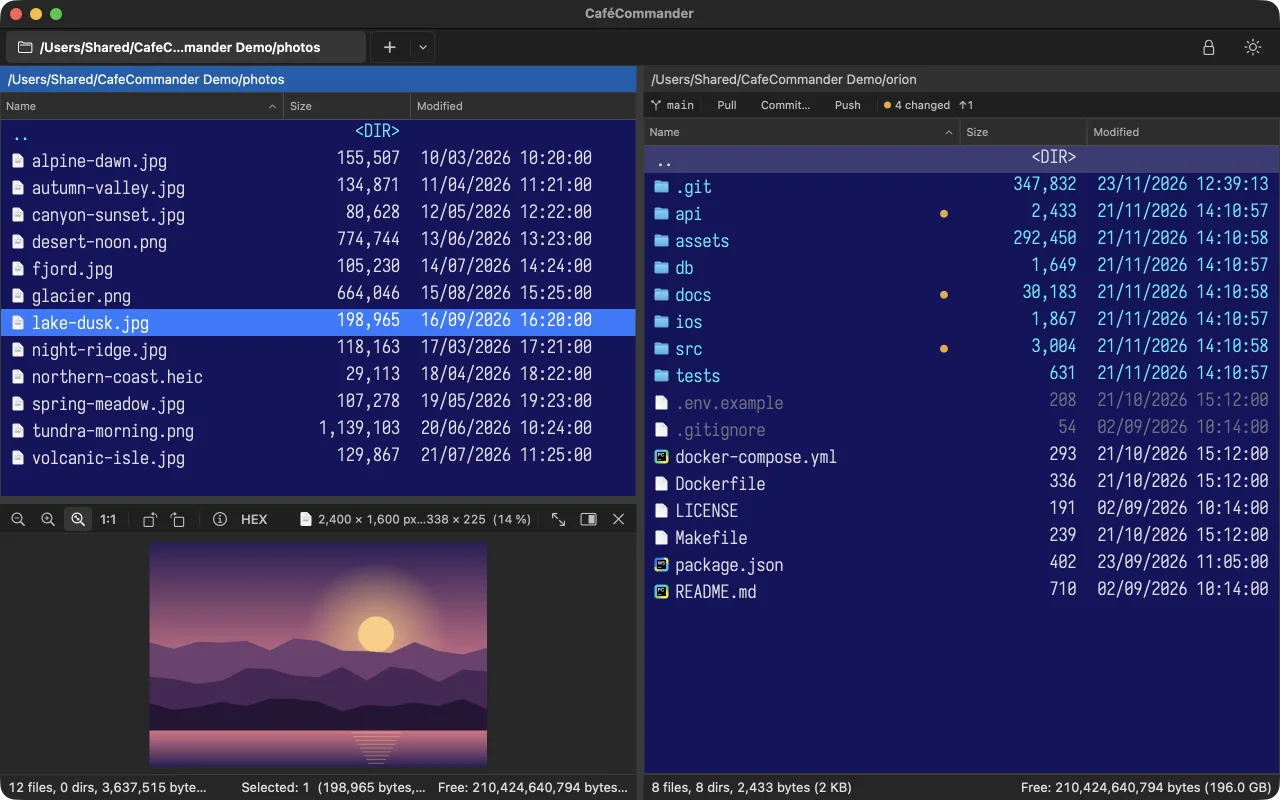
CaféCommander is a dual-panel file manager for macOS in the lineage of Norton Commander and Midnight Commander. Two directories sit side by side: F5 copies from one to the other, F6 moves, F8 moves to the Trash, and an F2 palette reaches every command. The mouse is optional.
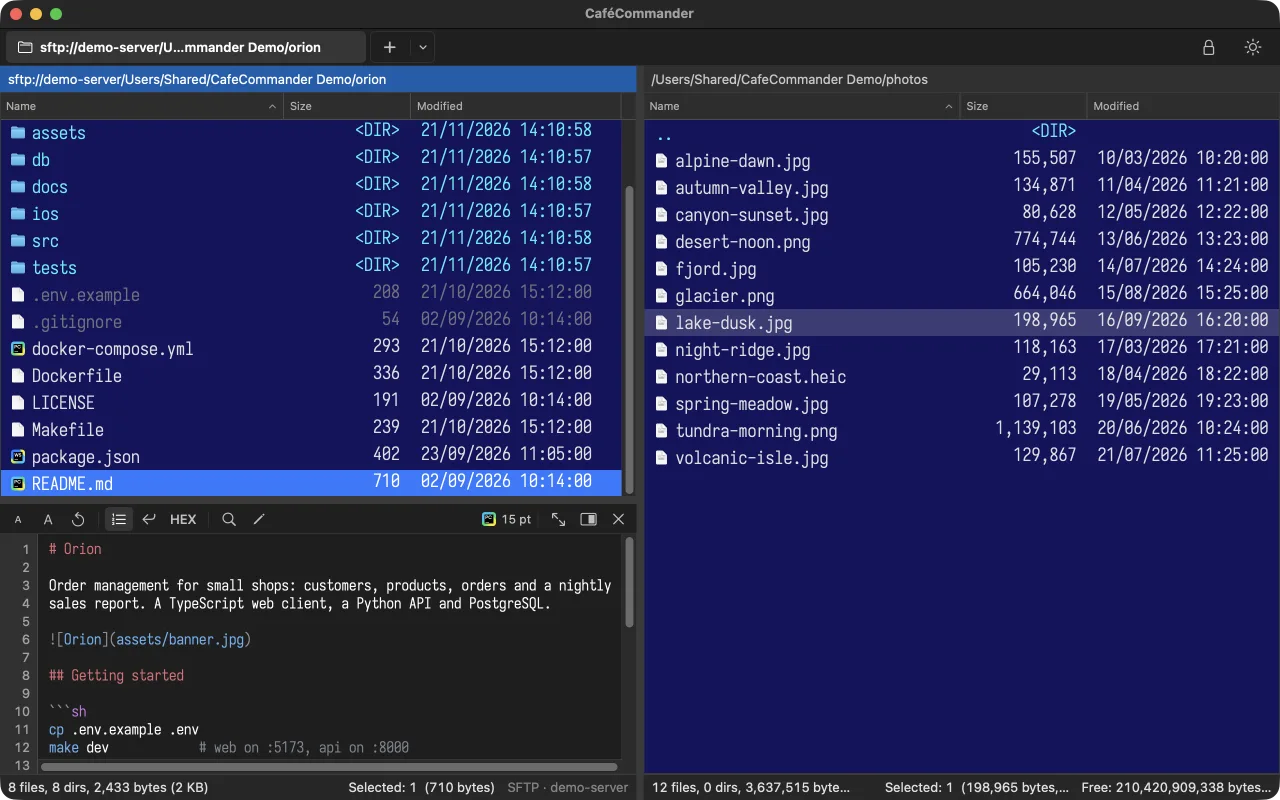
Archives — zip, tar.gz, tar.xz, tar.zst, 7z, RAR and more — open like folders: preview inside, copy out, delete entries. SFTP hosts open through the system’s own ssh, so keys, the agent and ~/.ssh/config work as in Terminal. Root mode gives a panel root’s view of the disk through sudo.
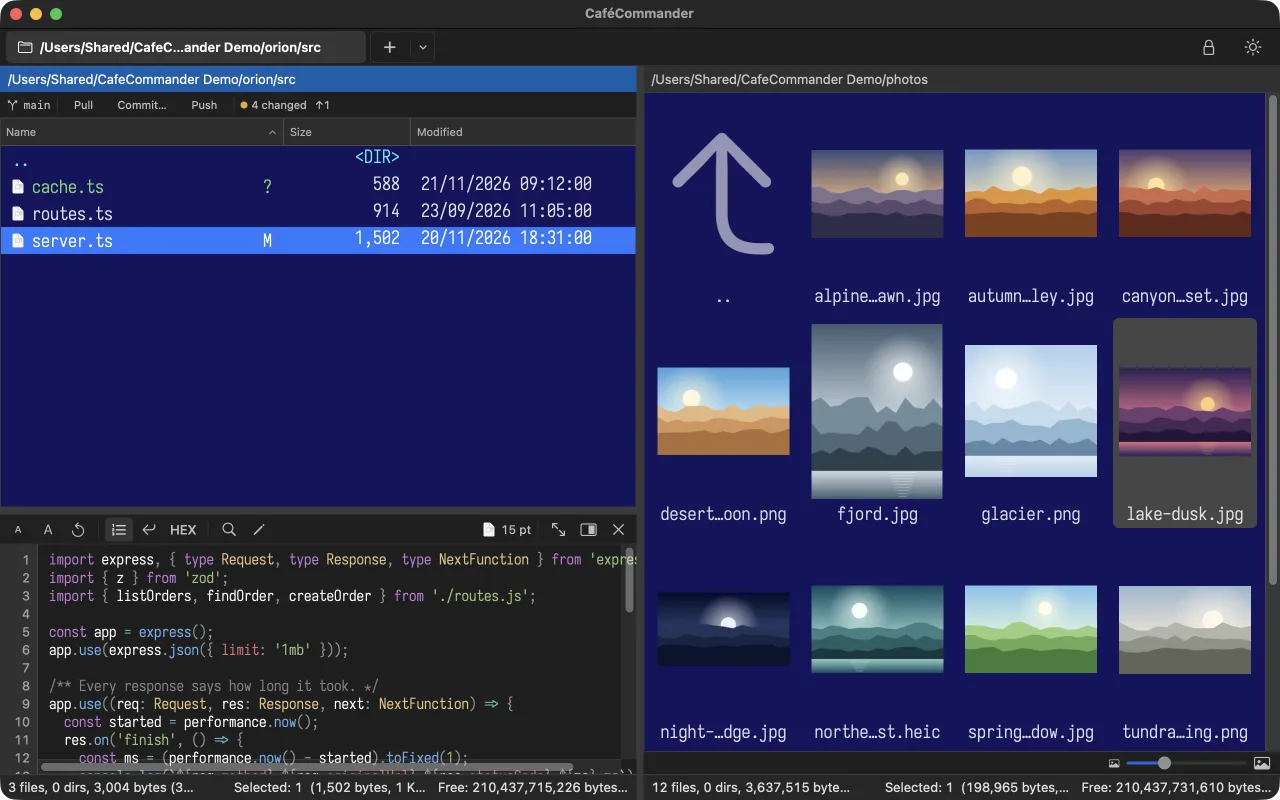
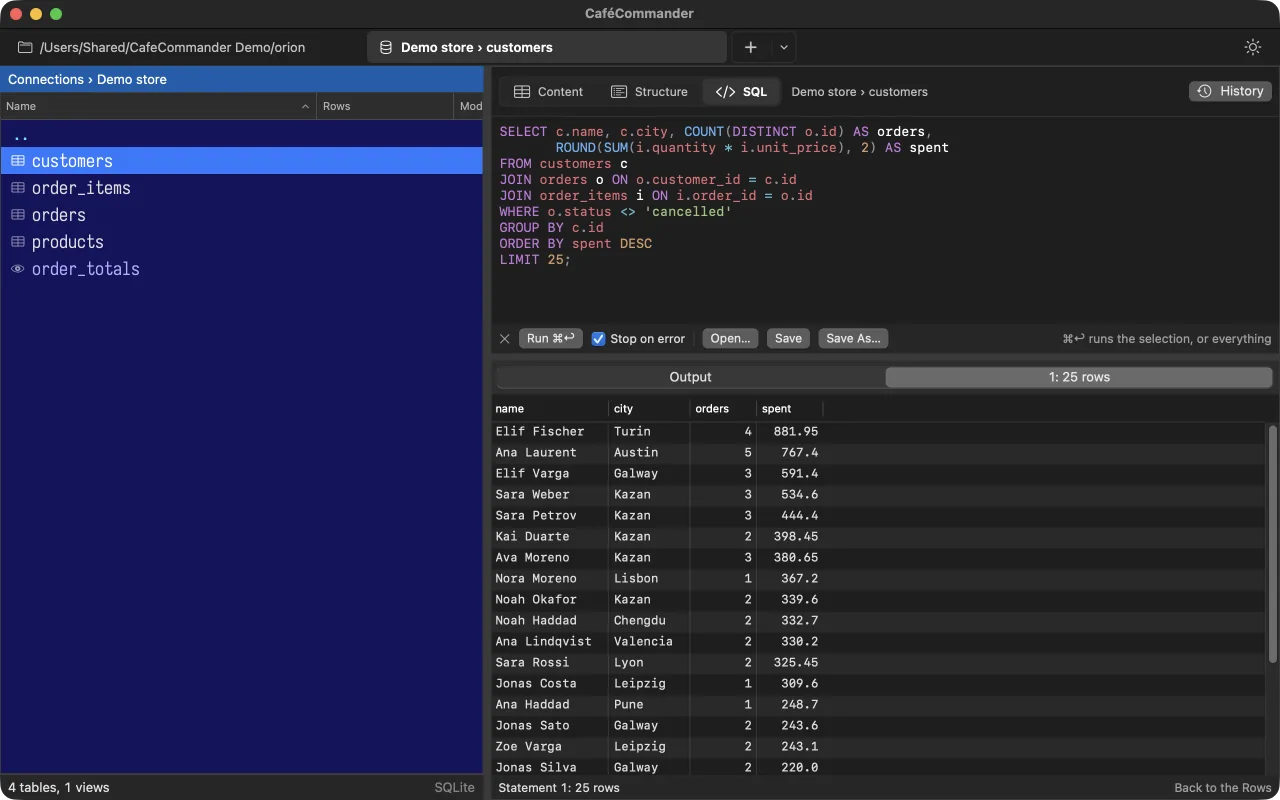
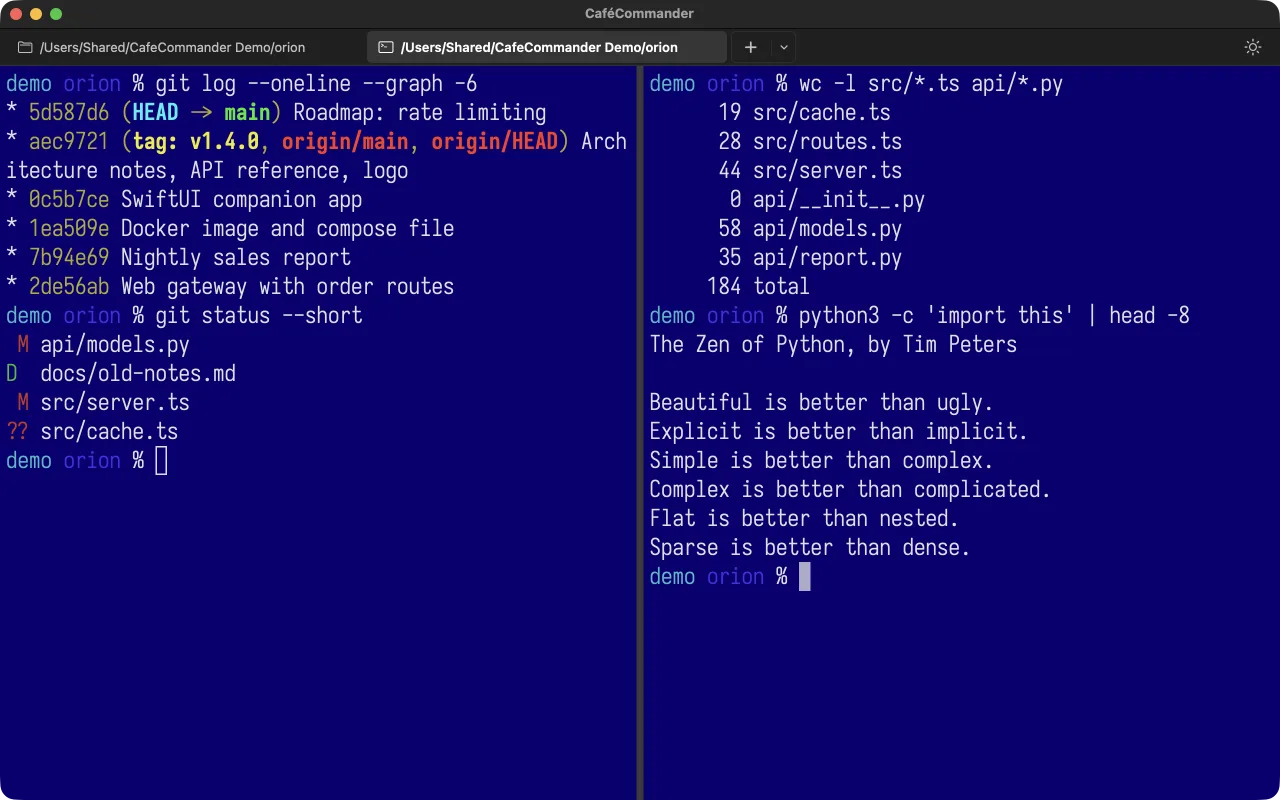
Besides file tabs there are terminal tabs, which split in two, and SQL tabs for MariaDB/MySQL, PostgreSQL, SQL Server and SQLite. A git bar shows the branch and offers Pull, Commit and Push; diff compares the two panels. The preview colours source code in more than 100 languages and shows hex, images, PDF, audio and video, with text and hex editing in place. Find files searches names and contents, inside archives and on hosts; a quick filter narrows a listing as you type.
CaféCommander is free, with every feature, no account, no ads and no tracking. It needs macOS 14 or later and runs on Apple Silicon and Intel Macs.
Key features
- Two panels driven by the keyboard: F-keys, Midnight Commander-style marks, an F2 command palette
- Archives as folders: zip, tar.gz, tar.xz, tar.zst, 7z, RAR and more; preview inside, copy out, delete entries
- SFTP through the system’s ssh: keys, the agent, ~/.ssh/config, ProxyJump and known_hosts as in Terminal; copy between hosts
- Root mode through sudo; the password is asked in the app and never stored
- Terminal tabs opened in the panel’s directory, on a host or as root, split side by side or top and bottom
- Git bar: branch, ahead/behind, Pull, Commit and Push; git’s status letter beside each changed file
- Diff of the two panels’ directories, or of two files
- SQL clients for MariaDB/MySQL, PostgreSQL, SQL Server and SQLite, with no client libraries to install: browse, filter, edit rows, run scripts
- Preview with syntax colouring for 100+ languages, hex, images with Exif, PDF, SVG, audio, video and JSON/YAML/XML trees; text and hex editing in place
- Find files by name or content, inside archives and on hosts
- Quick filter, select by pattern, thumbnail view, drag and drop
- Image conversion and PDF compression presets (with ImageMagick and Ghostscript, when installed)
- Interface in ten languages
Screenshots
English interface, 1280 px wide. Click one for the PNG.
Links
- Download
- https://esviza.com/apps/cafecommander/downloads/CafeCommander-latest.dmg (always the latest version)
- Contact
- [email protected]