
↑ ↓
Where a link points
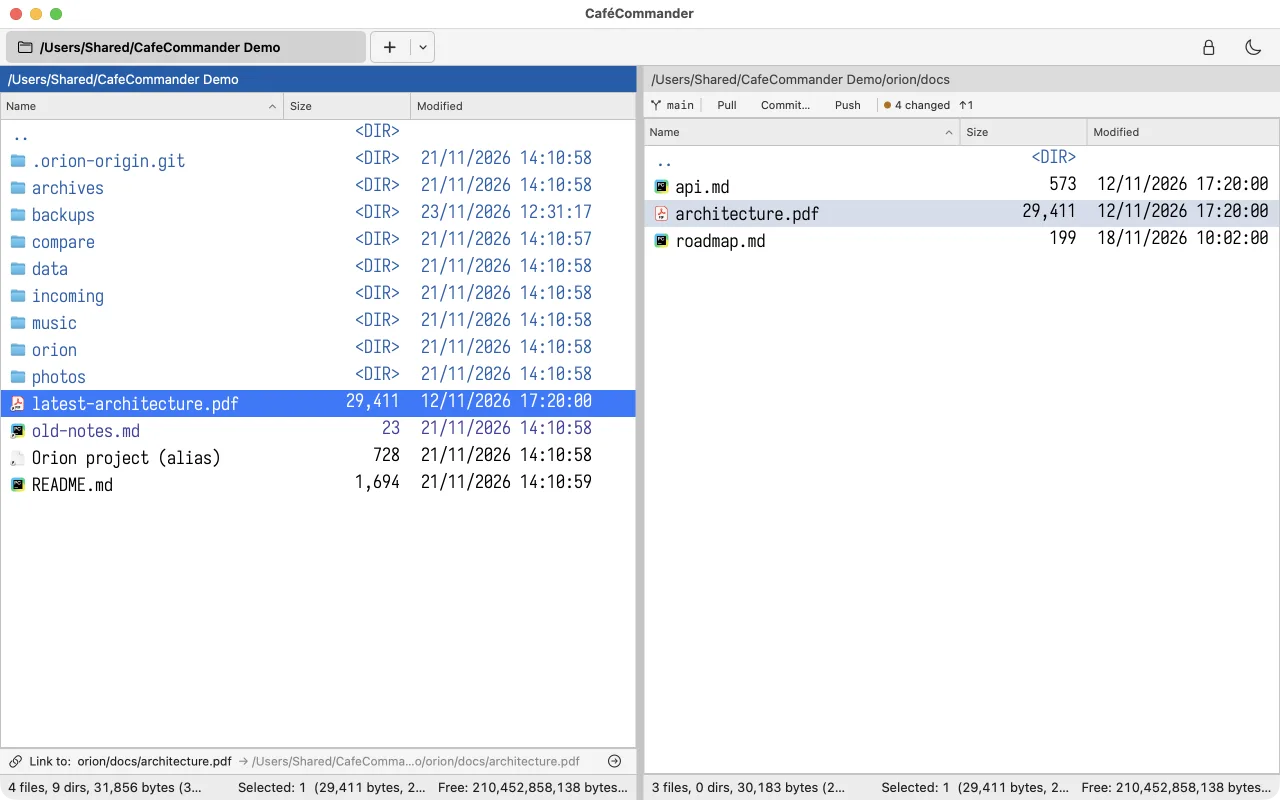
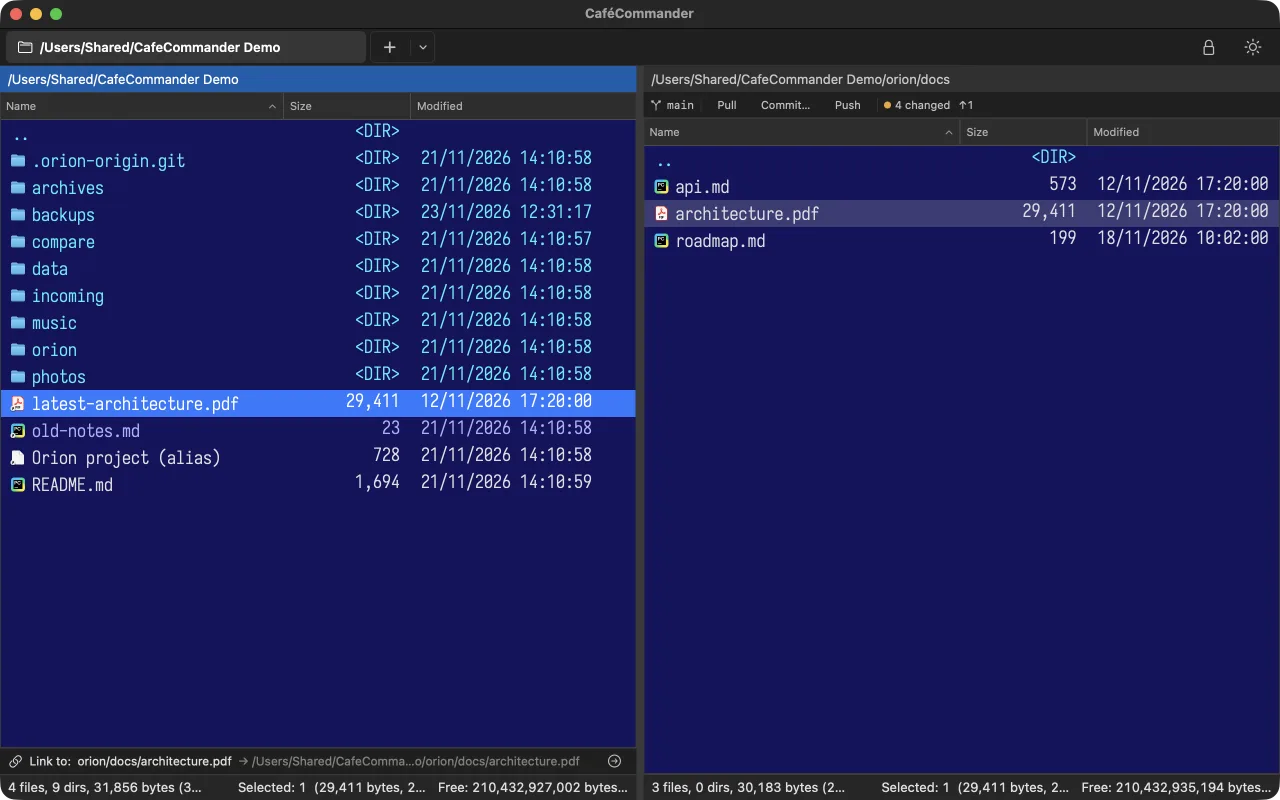
Put the cursor on a symlink or alias and the panel’s foot shows its target; one click goes there.
A dual-panel file manager in the Norton and Midnight Commander lineage. Copy with F5, move with F6, walk into a tar.zst as if it were a directory, open a host over your own ssh config, drop to root through sudo, and query Postgres in the next tab — without reaching for the mouse.
v26.2.0 · .dmg · 36 MB
No Pro edition, no trial, no licence key, nothing held back for a subscription. The build you download is the whole application.
SFTP, root mode, the SQL clients for four engines, split terminals, git, diff and the converters ship in the same free download. Nothing unlocks later.
Nothing to sign up for, log into or activate. Install the .dmg and work.
No analytics SDK, no crash reporter, no identifiers. The one request the app makes on its own is the update check — exactly what it sends is documented.
Each card links to the full description in the documentation.
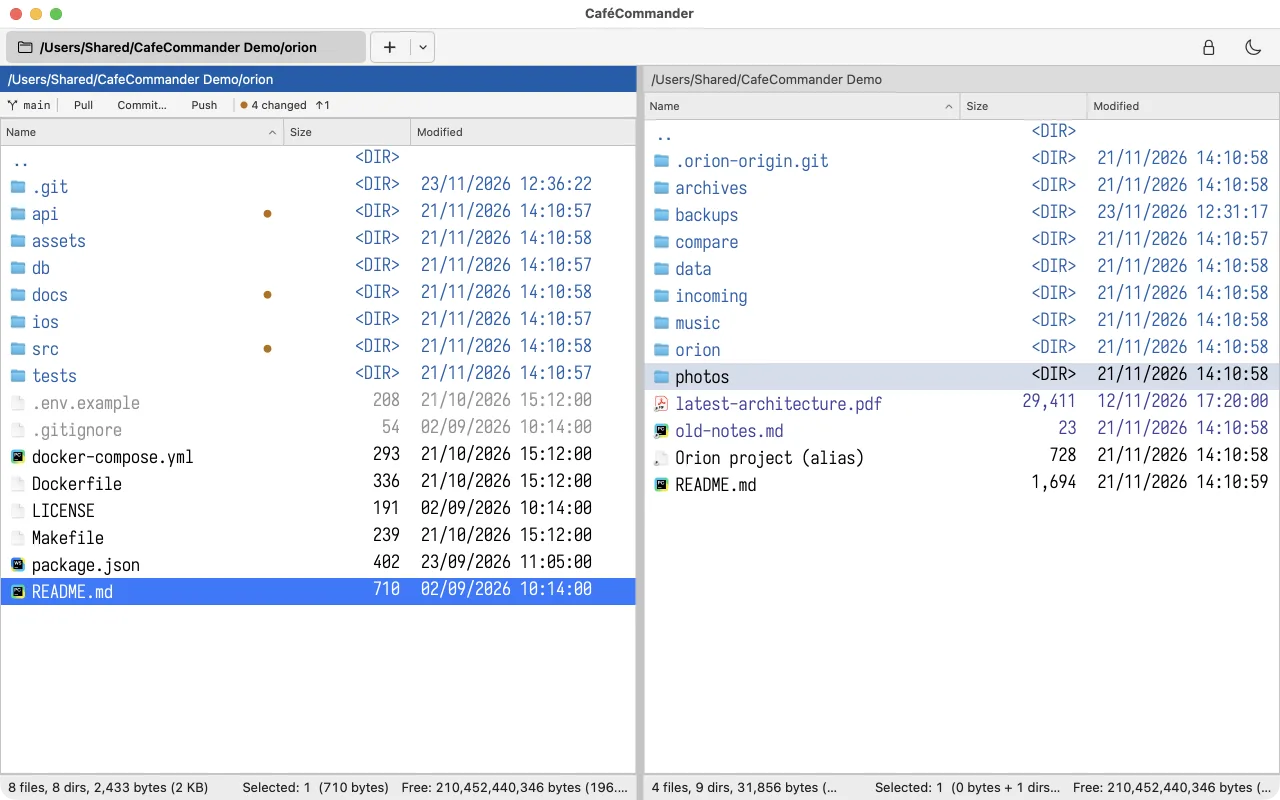
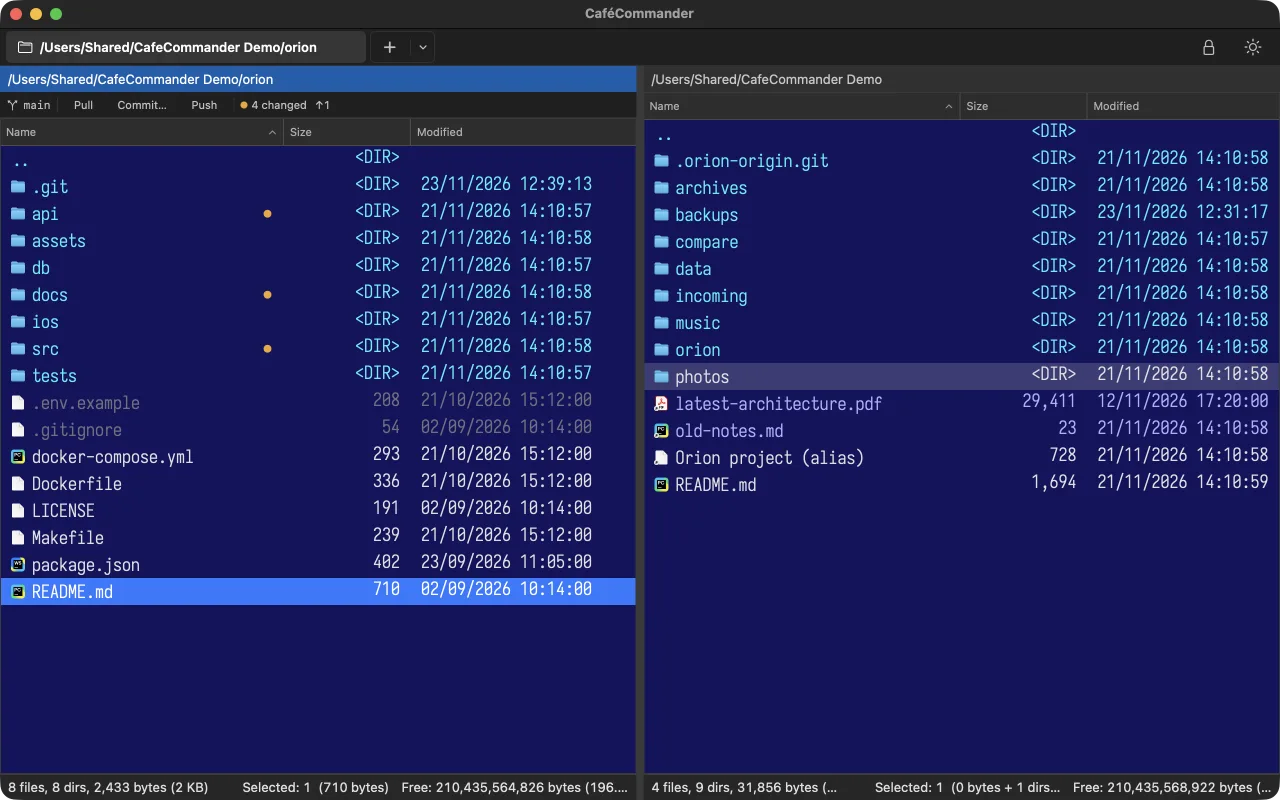
Source on one side, destination on the other. F-keys for the everyday operations, marks as in Midnight Commander, and an F2 palette over every command.
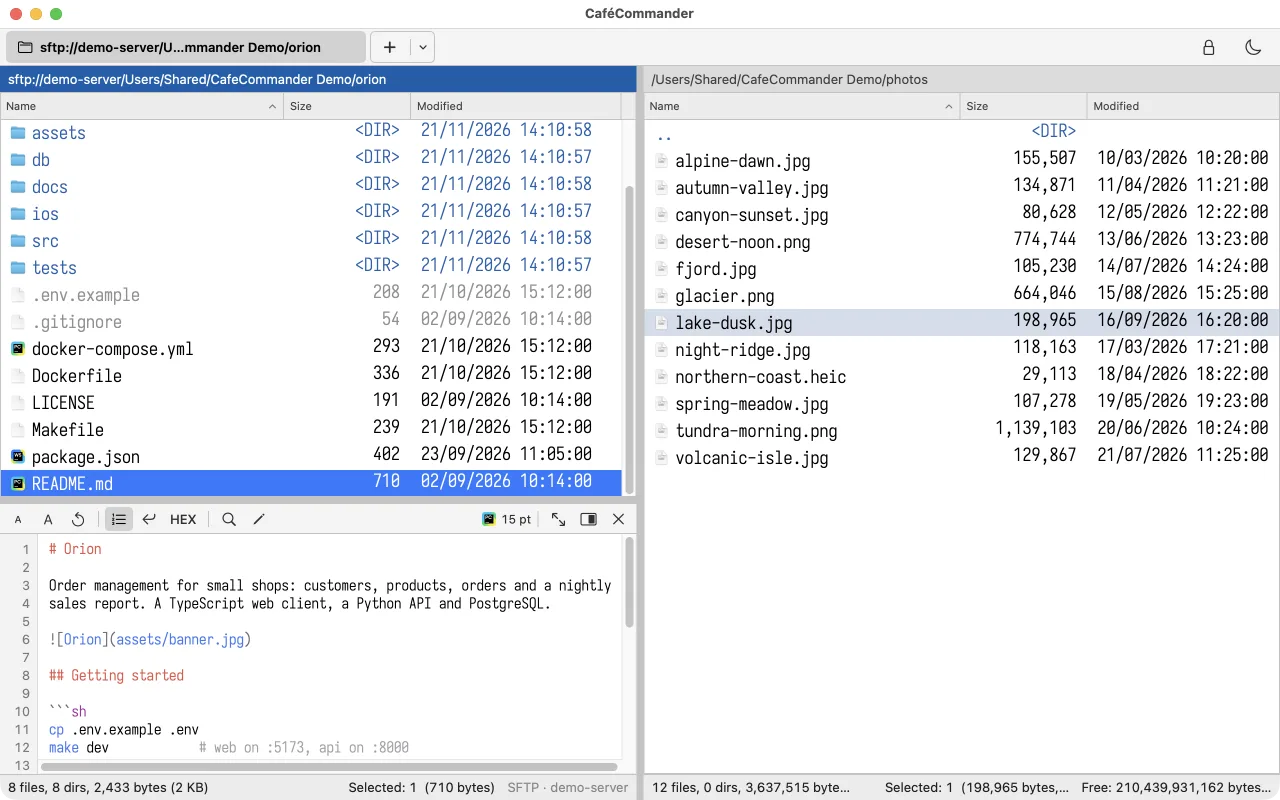
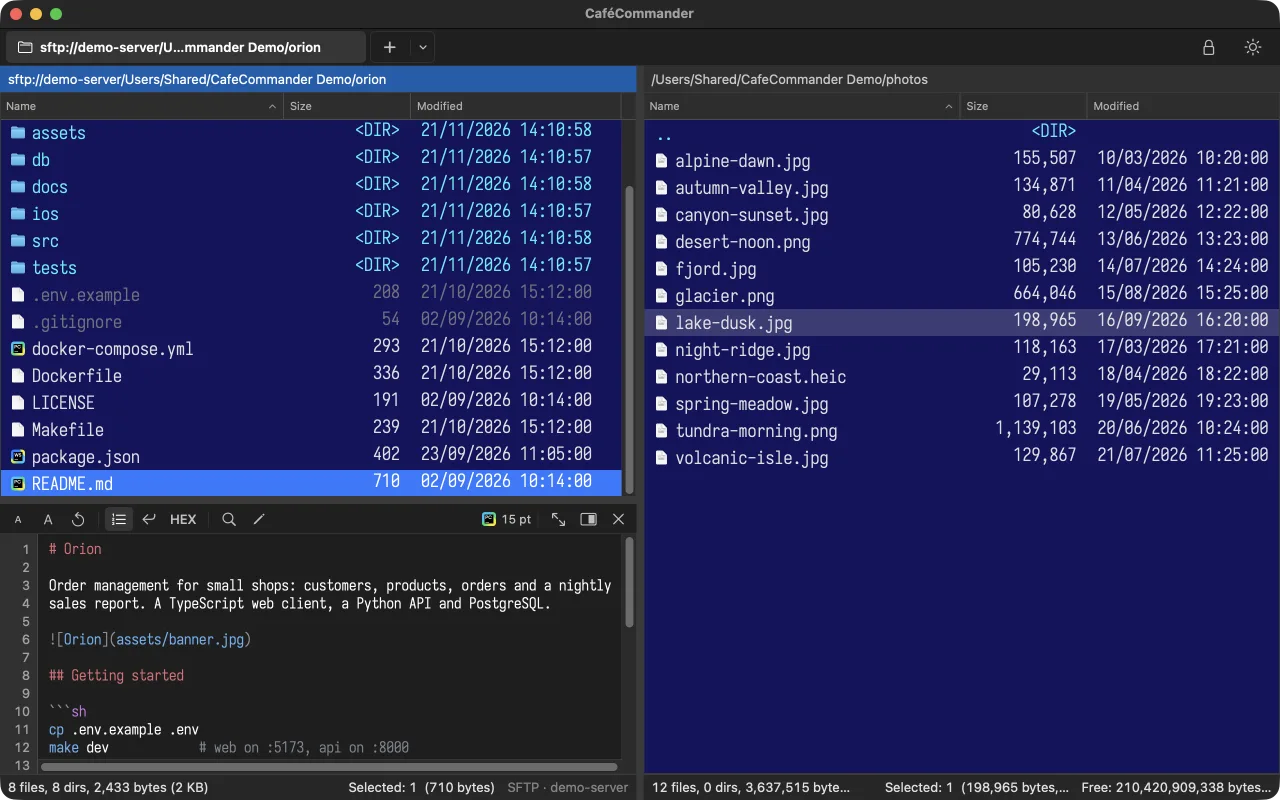
The system’s ssh does the connecting, so keys, the agent, ~/.ssh/config, ProxyJump and known_hosts behave exactly as in Terminal. Copy and move between hosts directly.
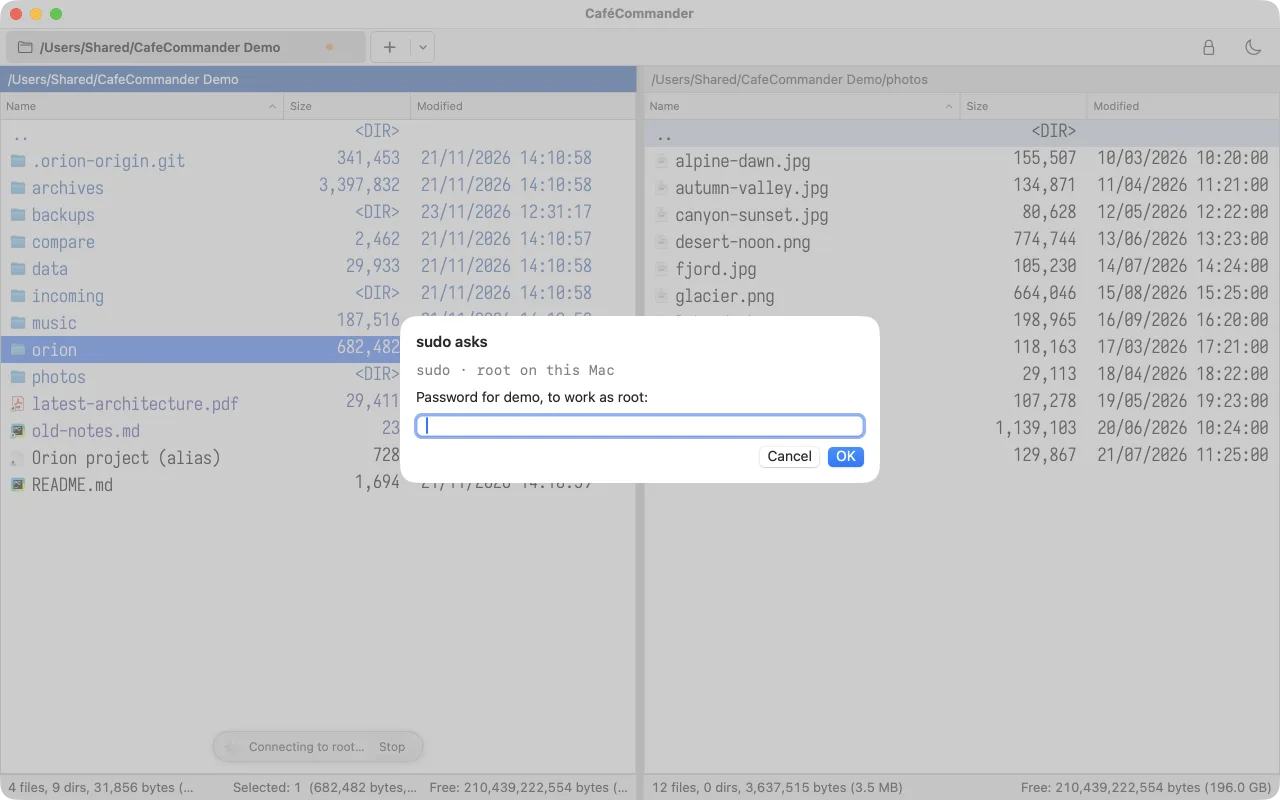
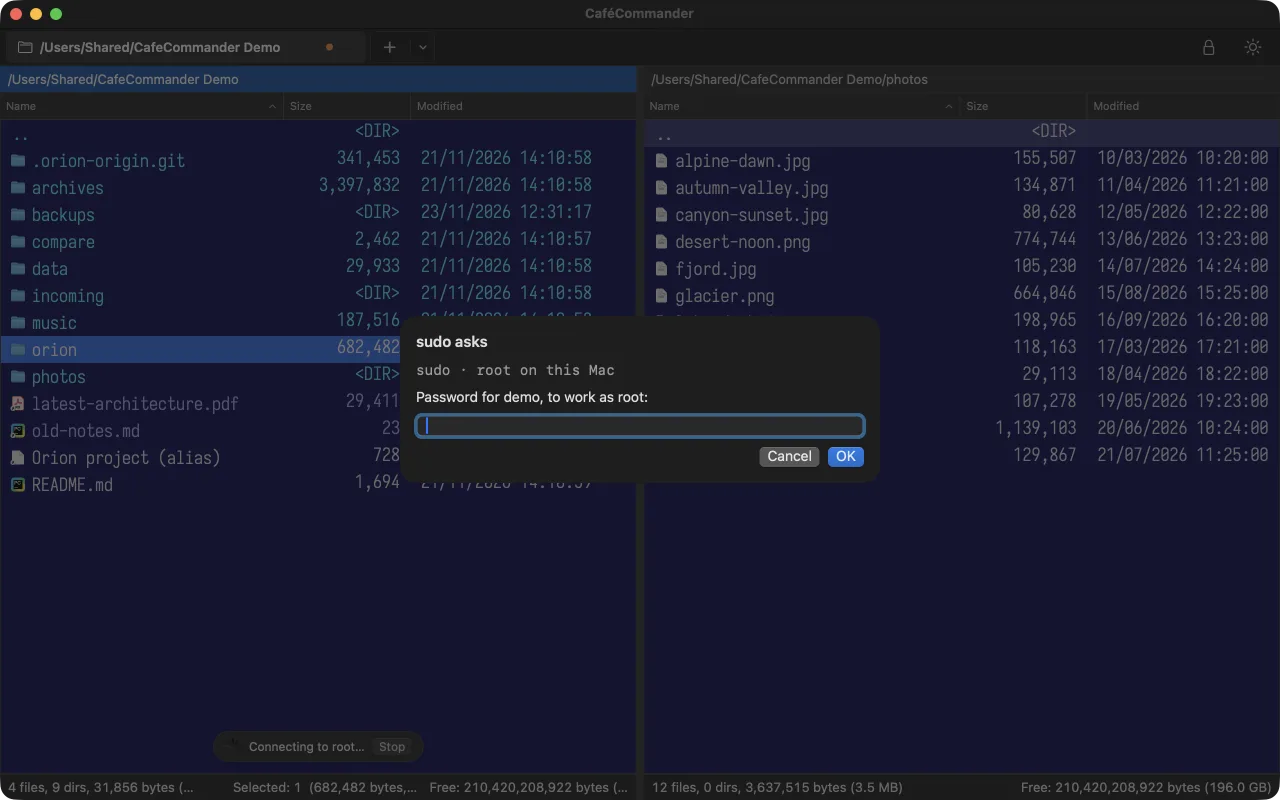
Turn a panel into root’s view of the disk. sudo asks for the password in the app’s own sheet; nothing is stored.
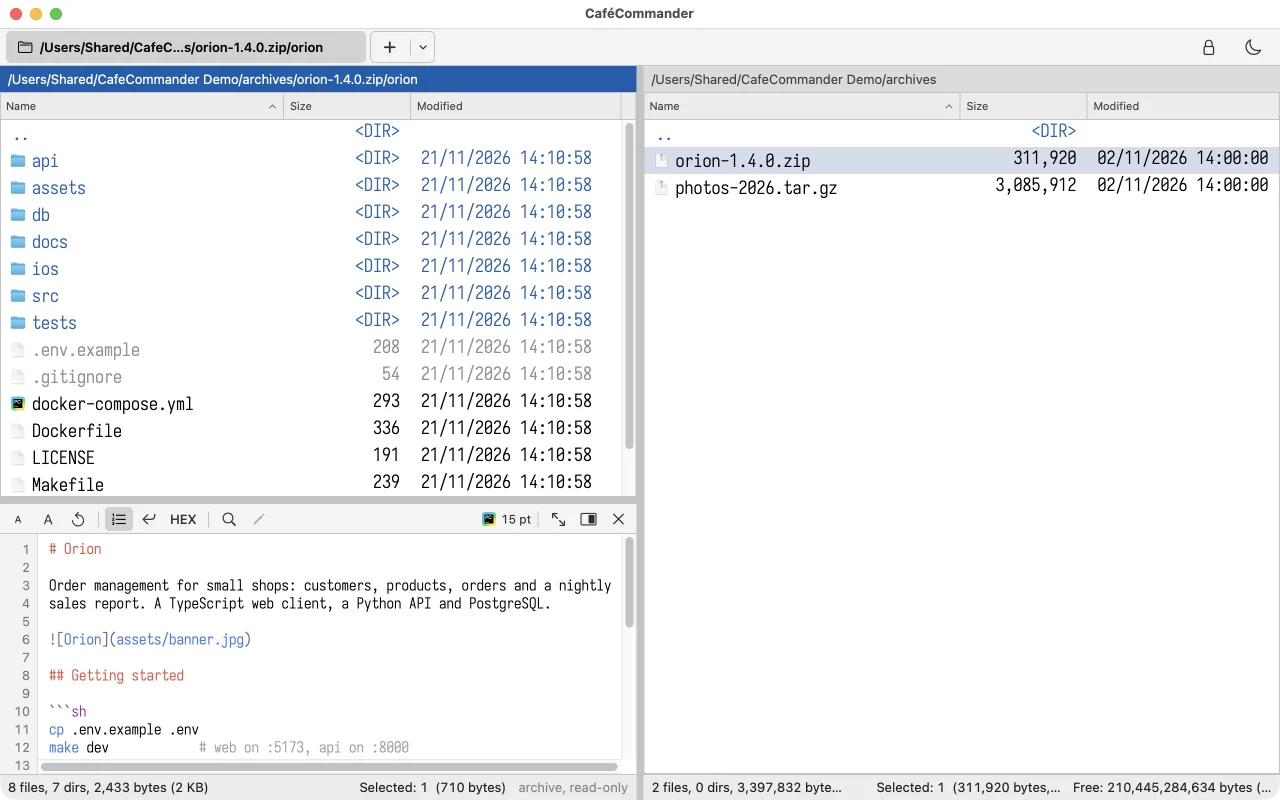
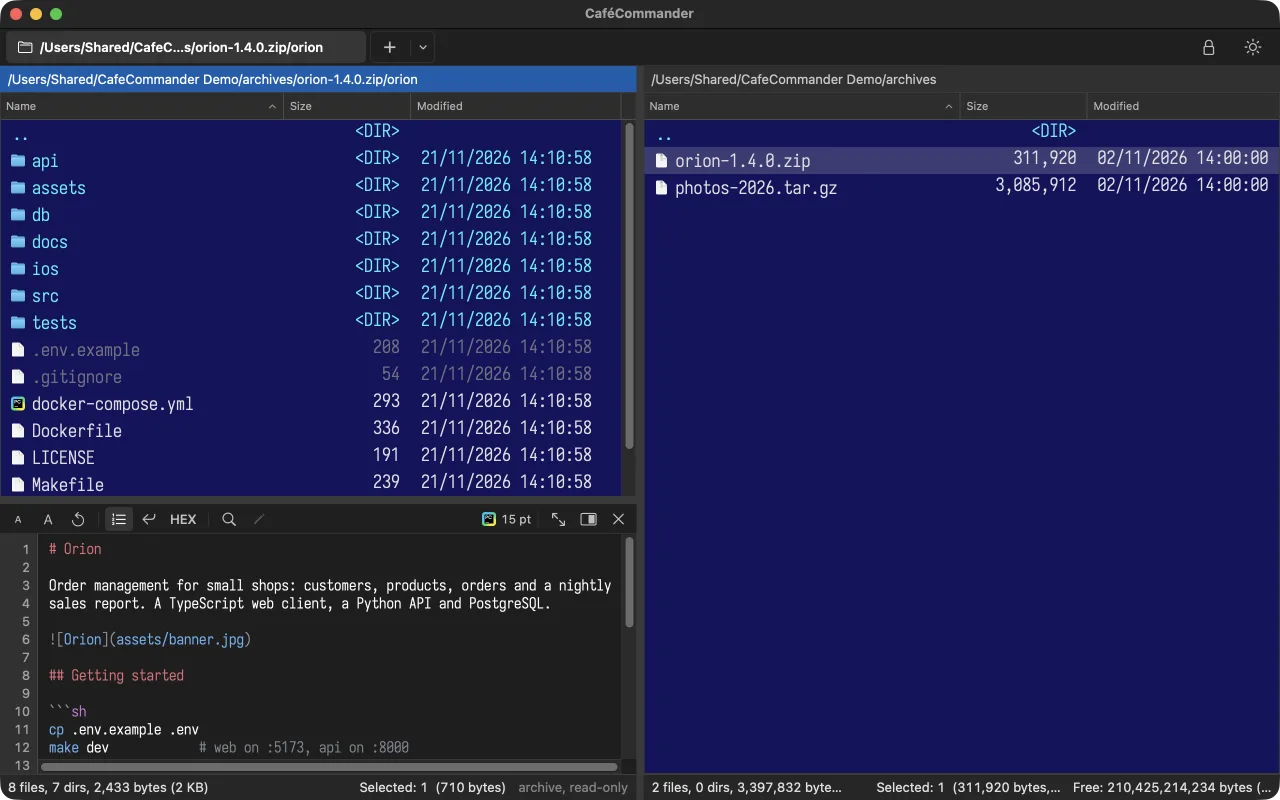
zip, tar.gz, tar.xz, tar.zst, 7z, RAR and more open with Return. Preview inside, copy out with F5, delete entries with F8.
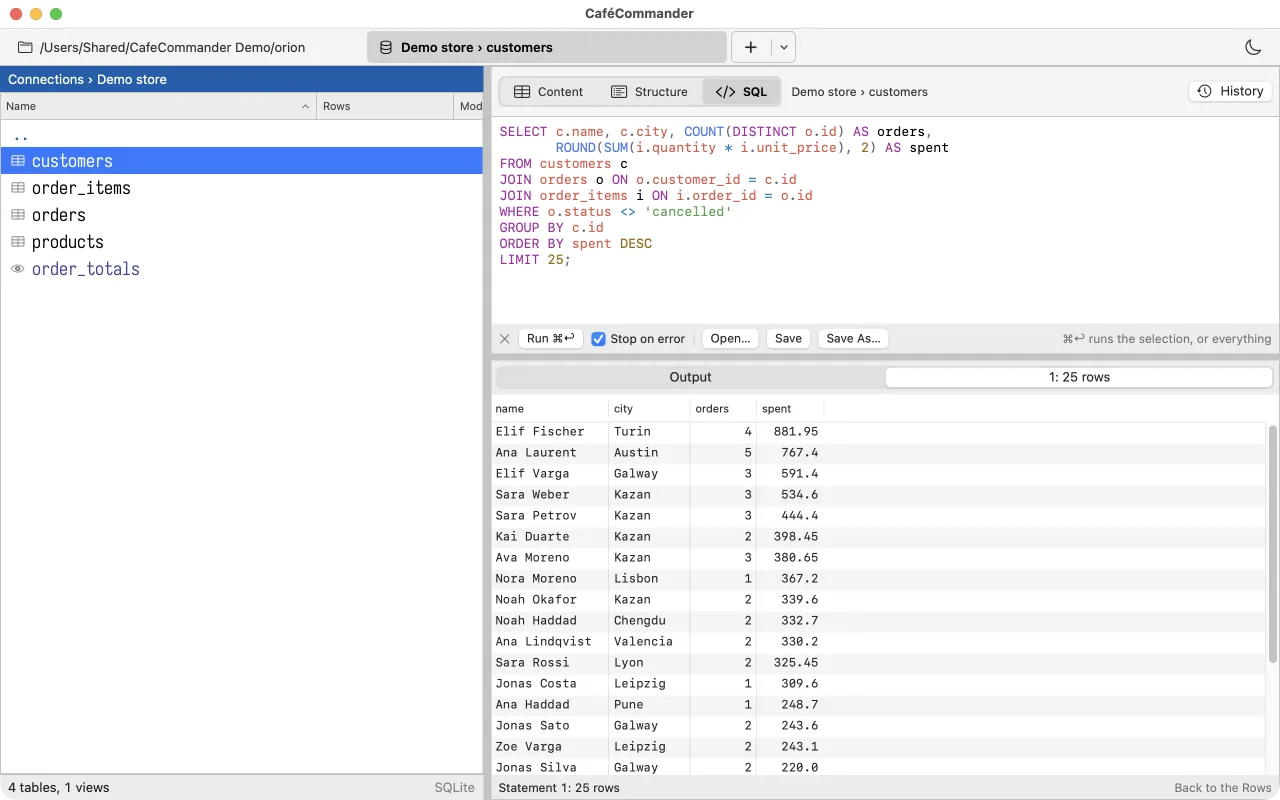
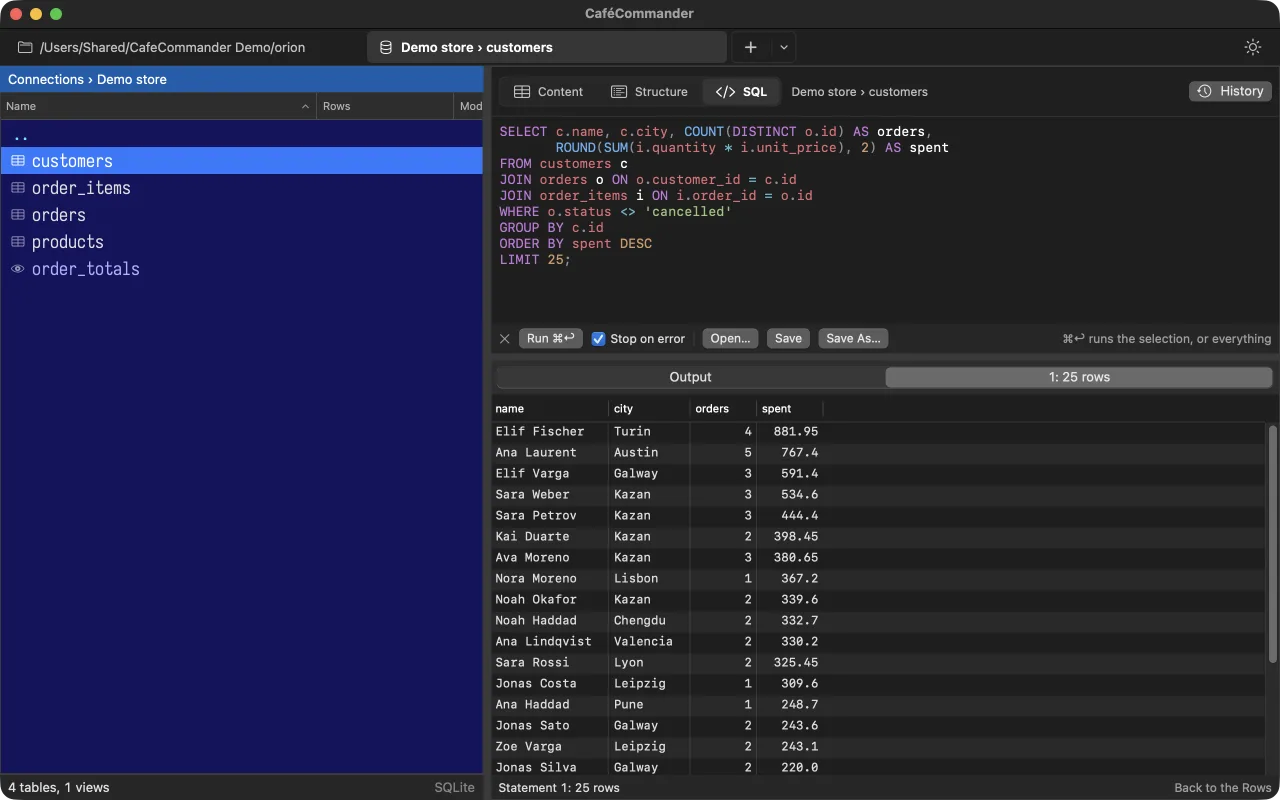
MariaDB/MySQL, PostgreSQL, SQL Server and SQLite over the app’s own wire protocols — no client libraries. Browse, filter, edit rows, run multi-statement scripts.
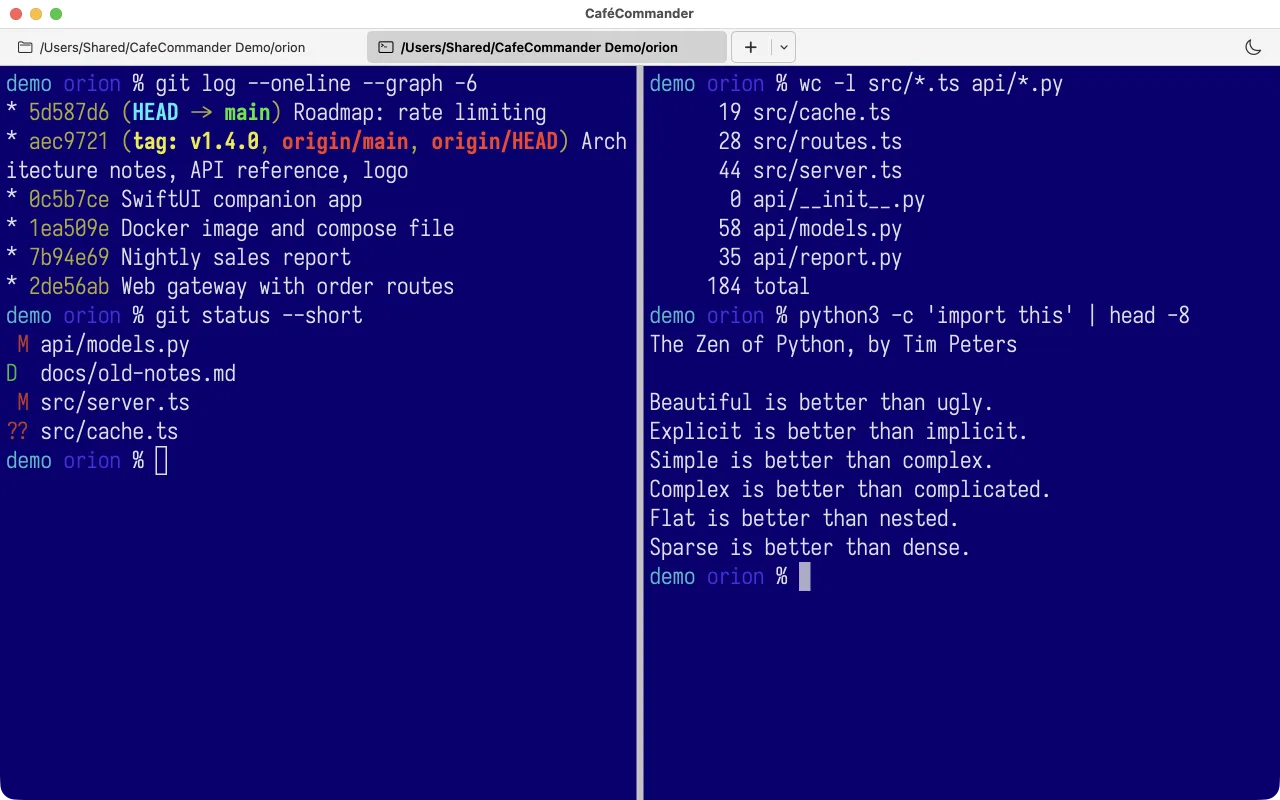
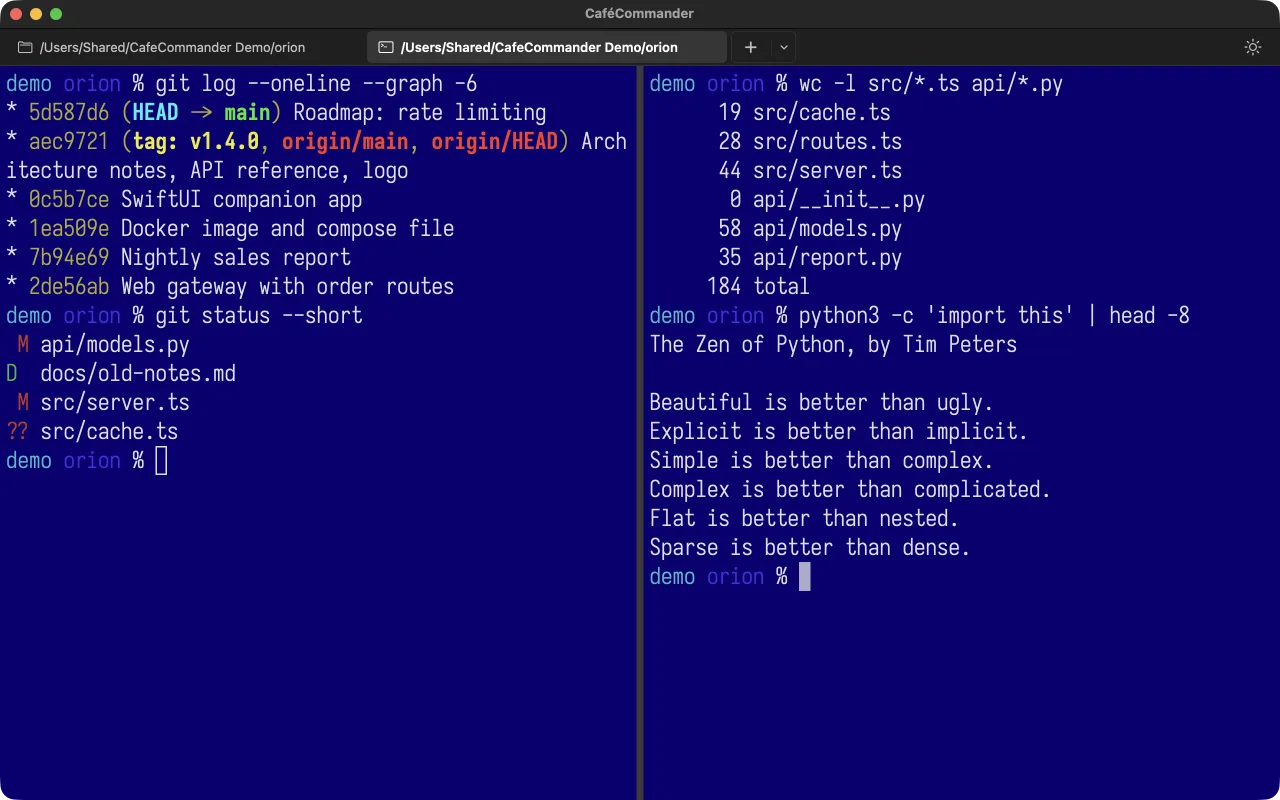
A real terminal in a tab, opened in the panel’s directory, over ssh on a host or as root. Split it side by side or one over the other.
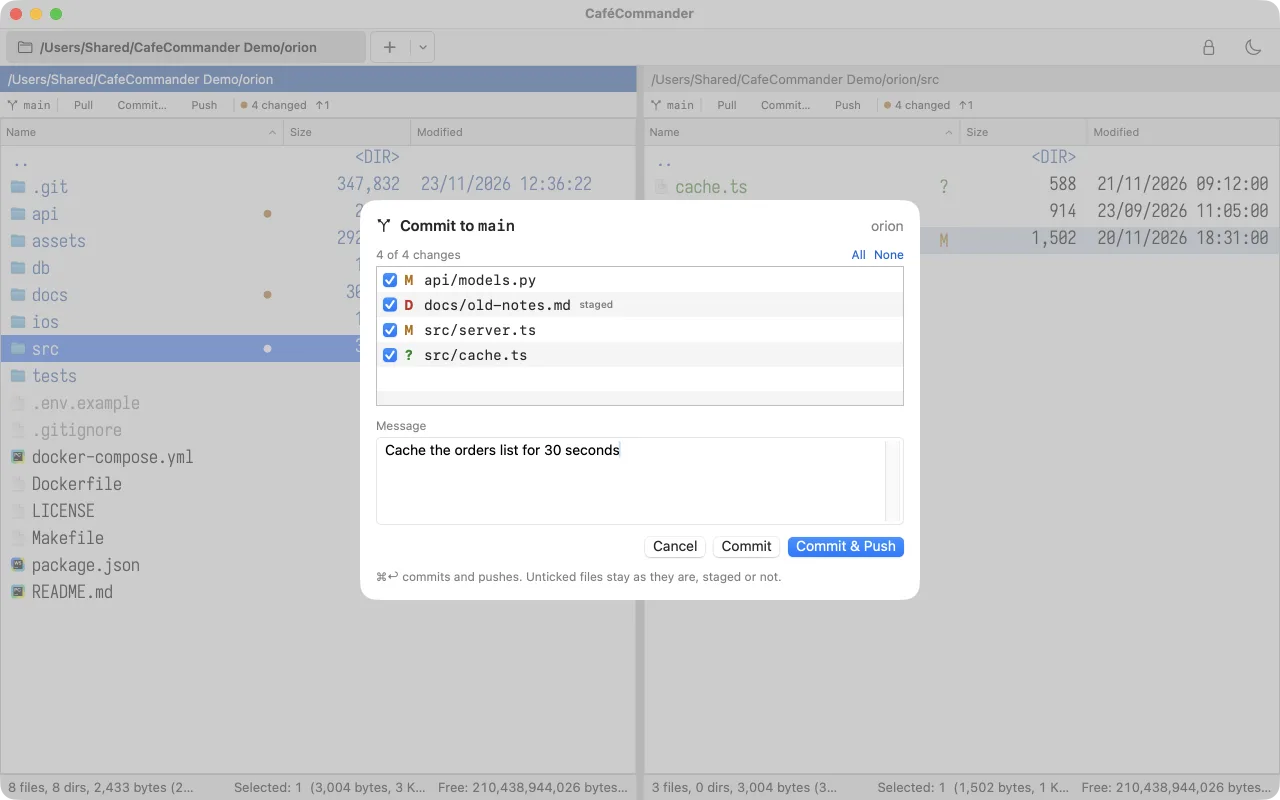
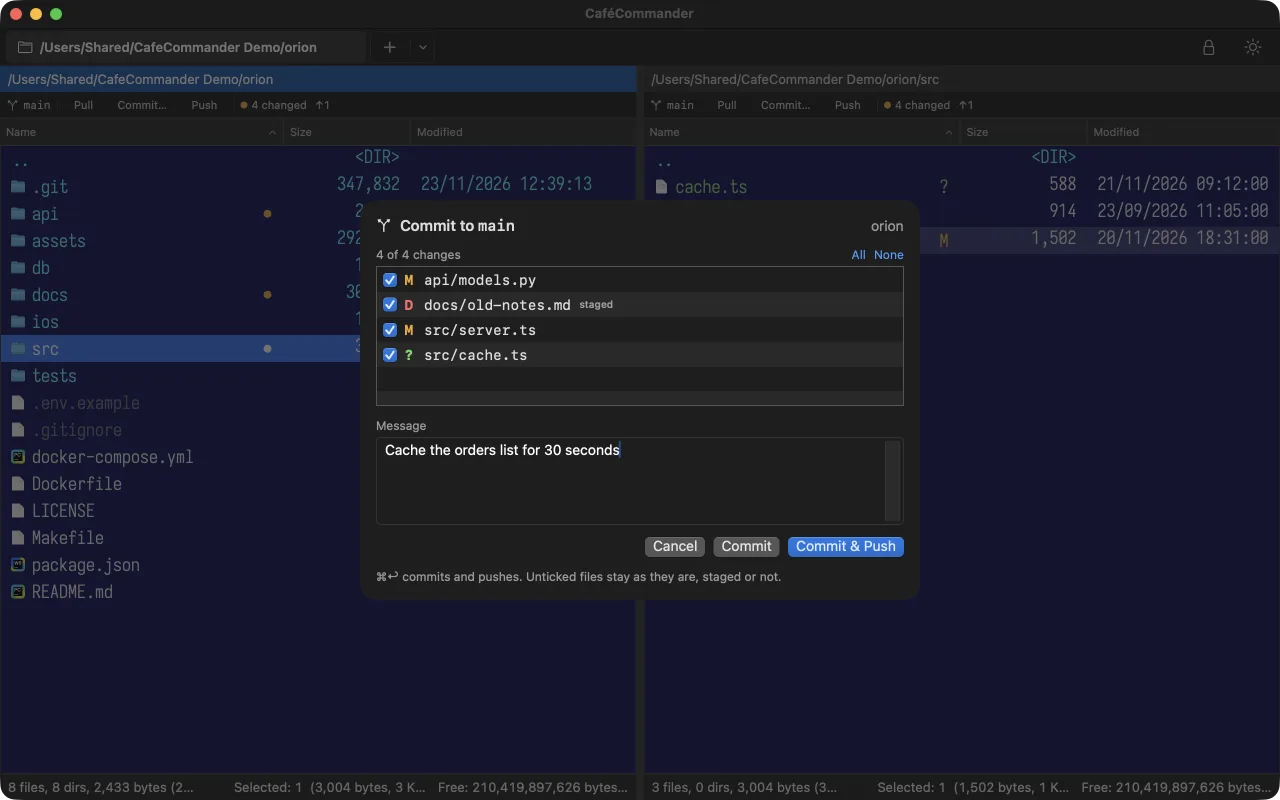
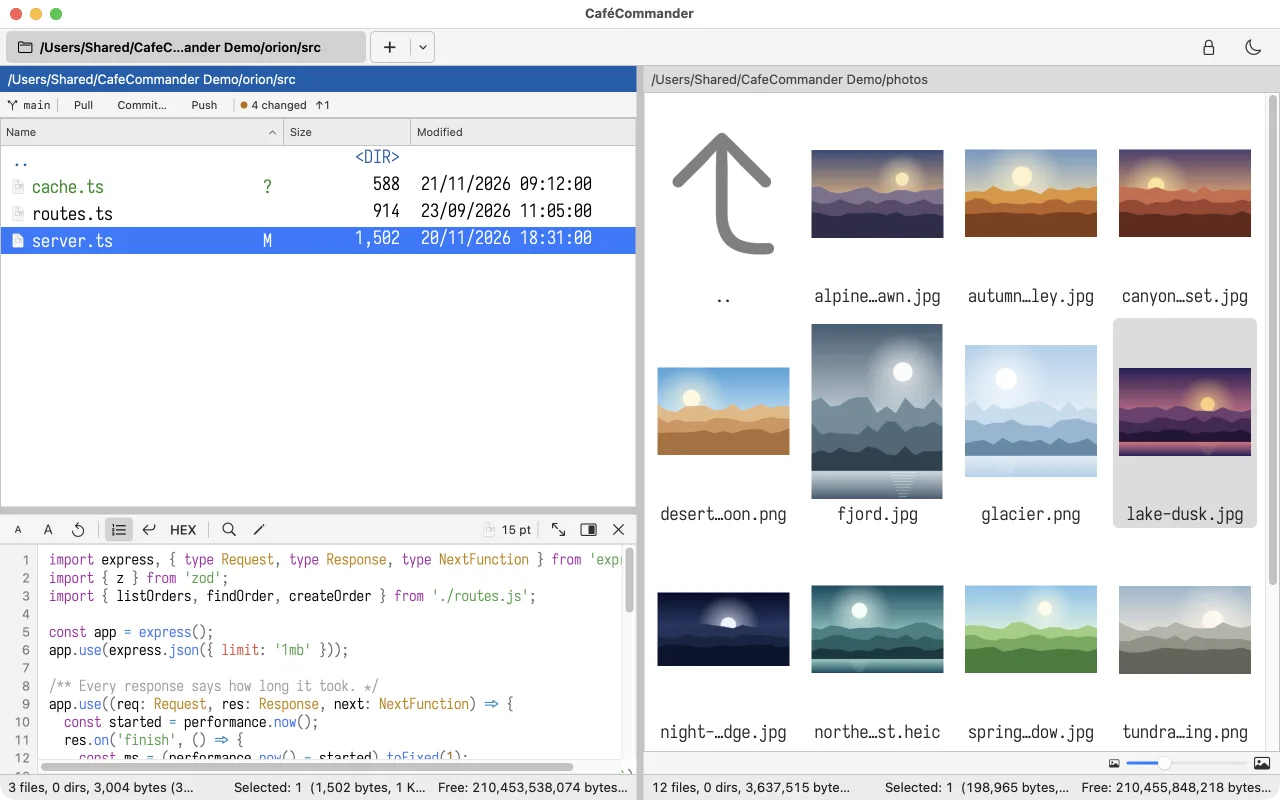
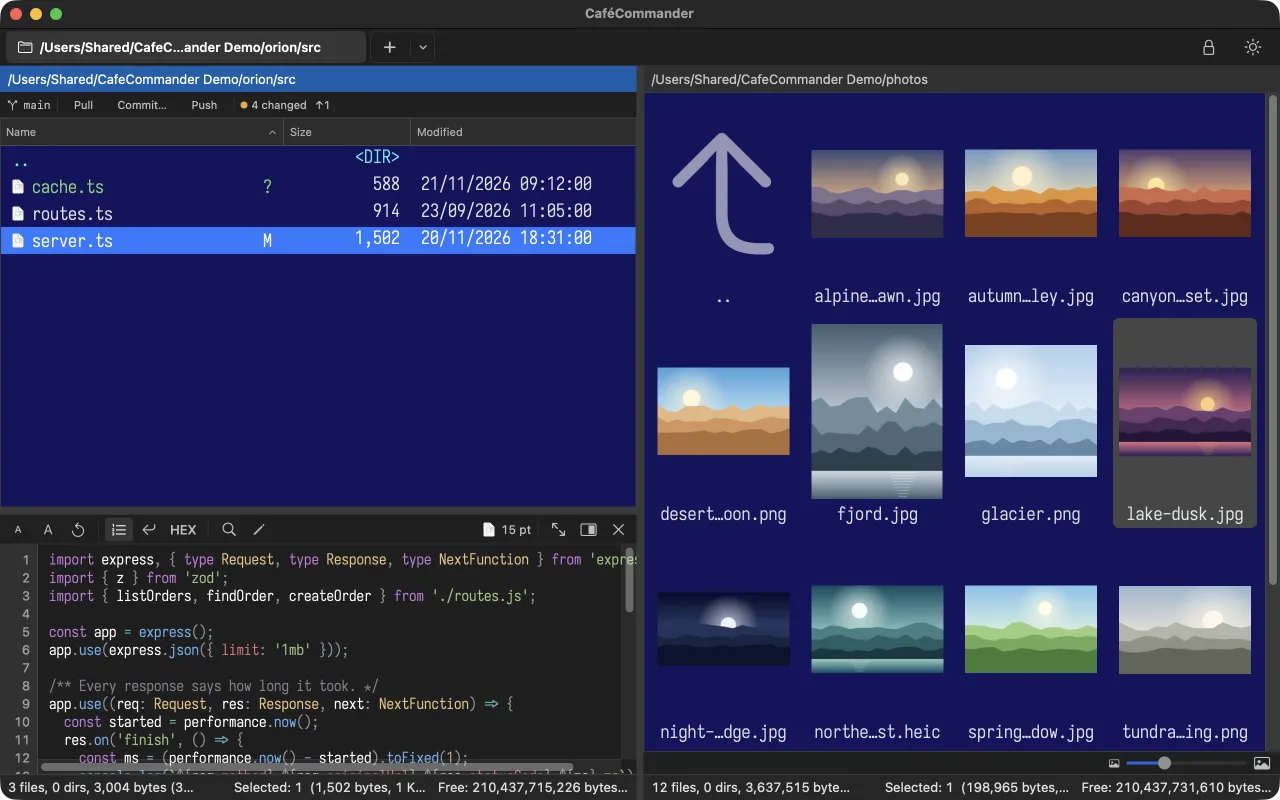
Branch, ahead/behind, Pull, Commit… and Push under the path bar; every changed file carries git’s status letter in the list.
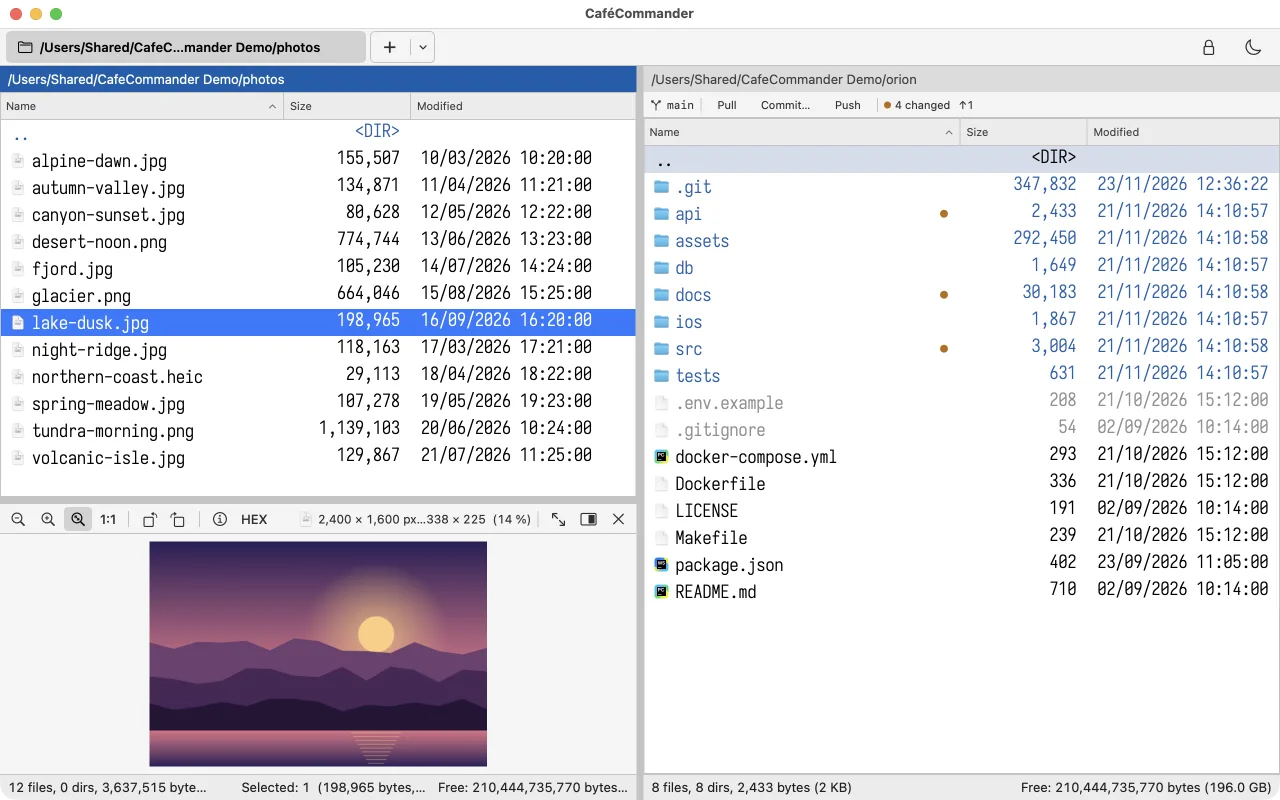
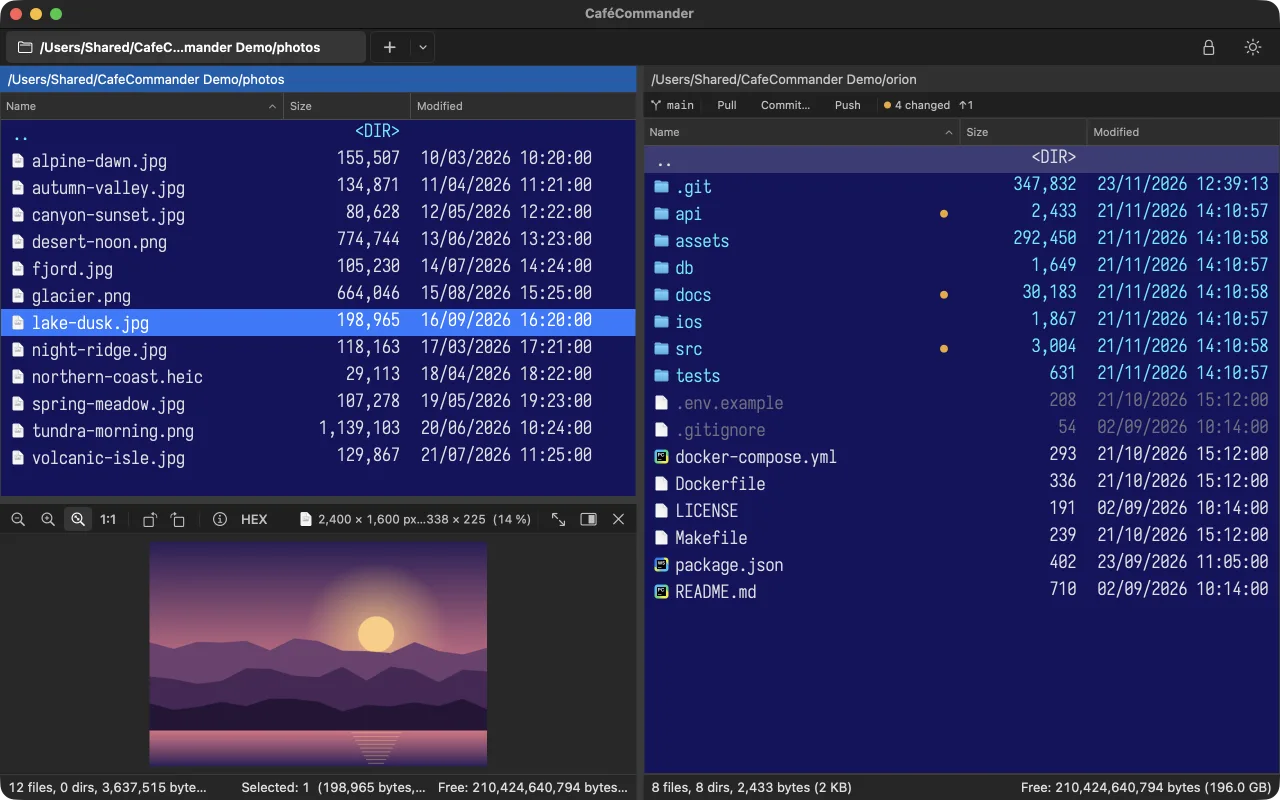
Source in 100+ languages via tree-sitter, hex, images with Exif, PDF, SVG, audio and video, JSON/YAML/XML trees, SQLite tables.
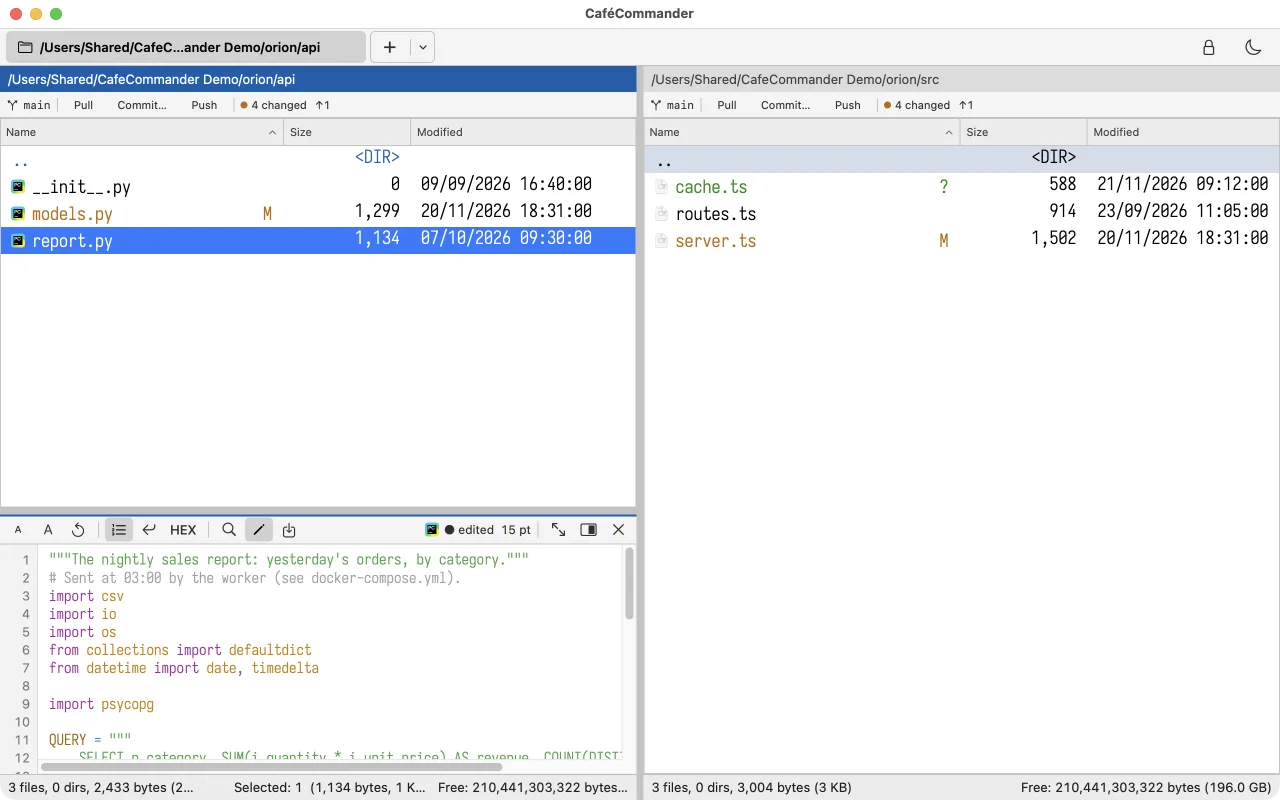
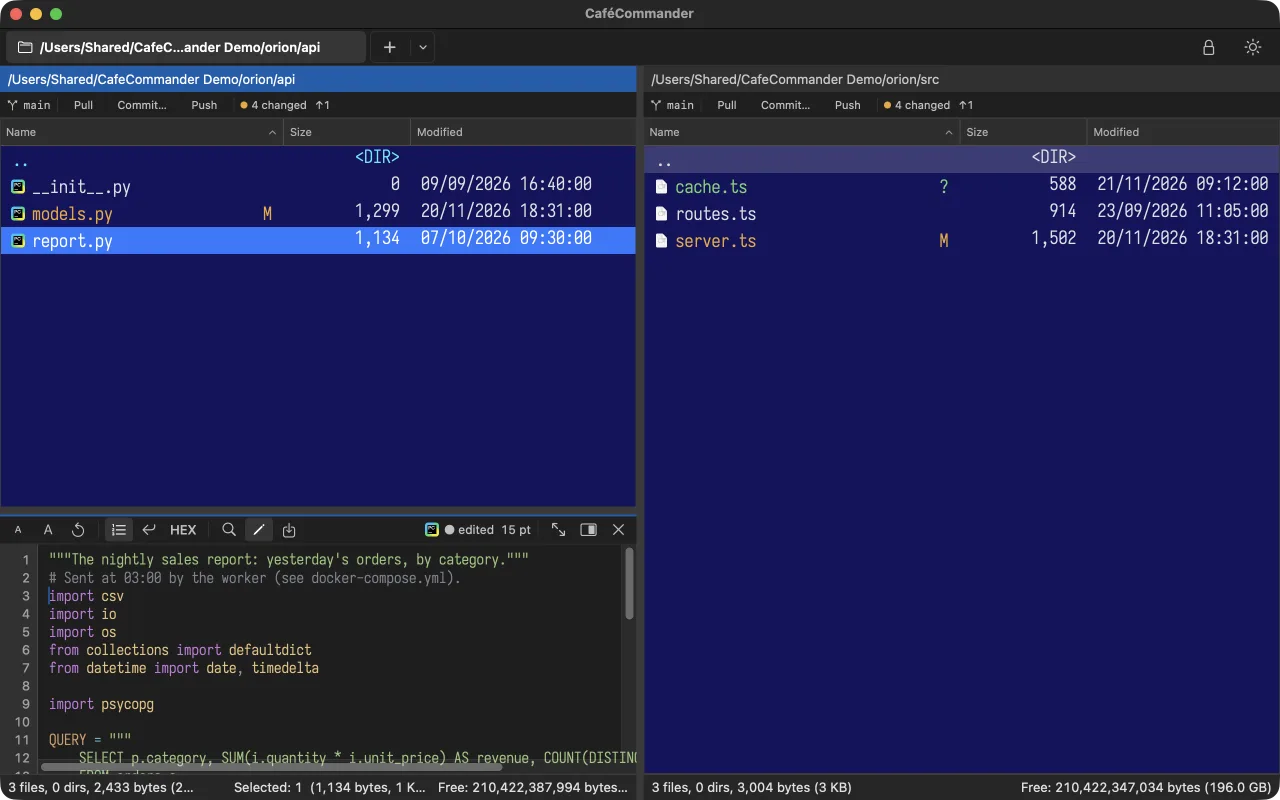
Text and hex editing in the preview, written back in the file’s own encoding and line endings — on a host and as root too.
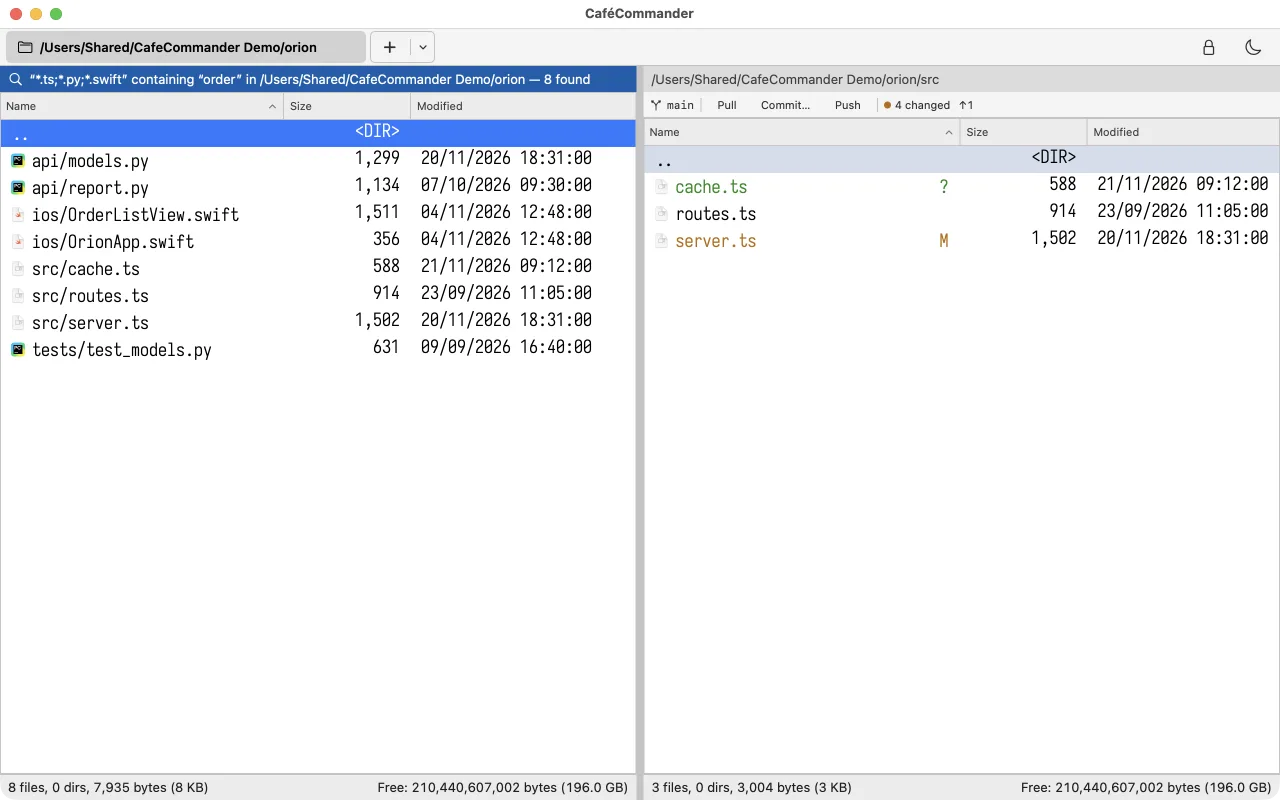
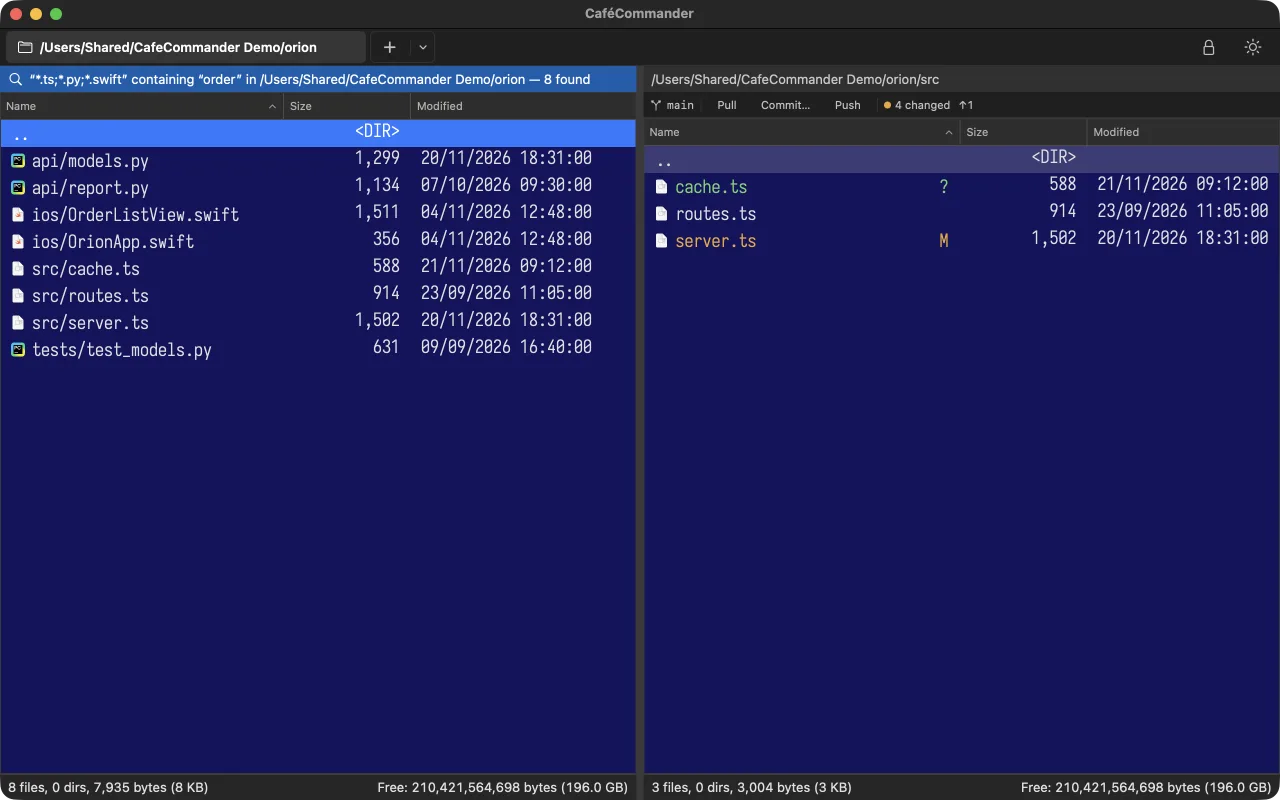
Name by substring, wildcard or regex; content as text or hex bytes; inside archives and on hosts. Results land in the panel as a listing.
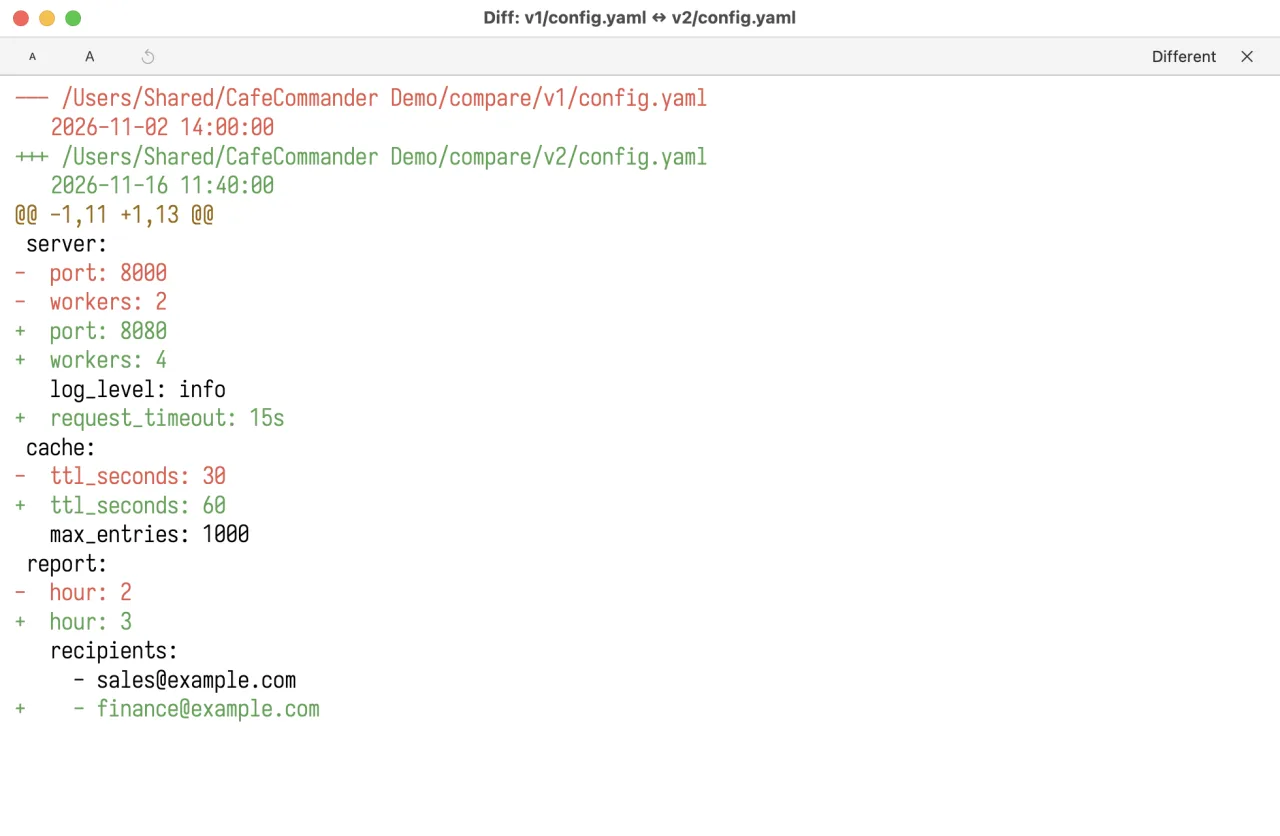
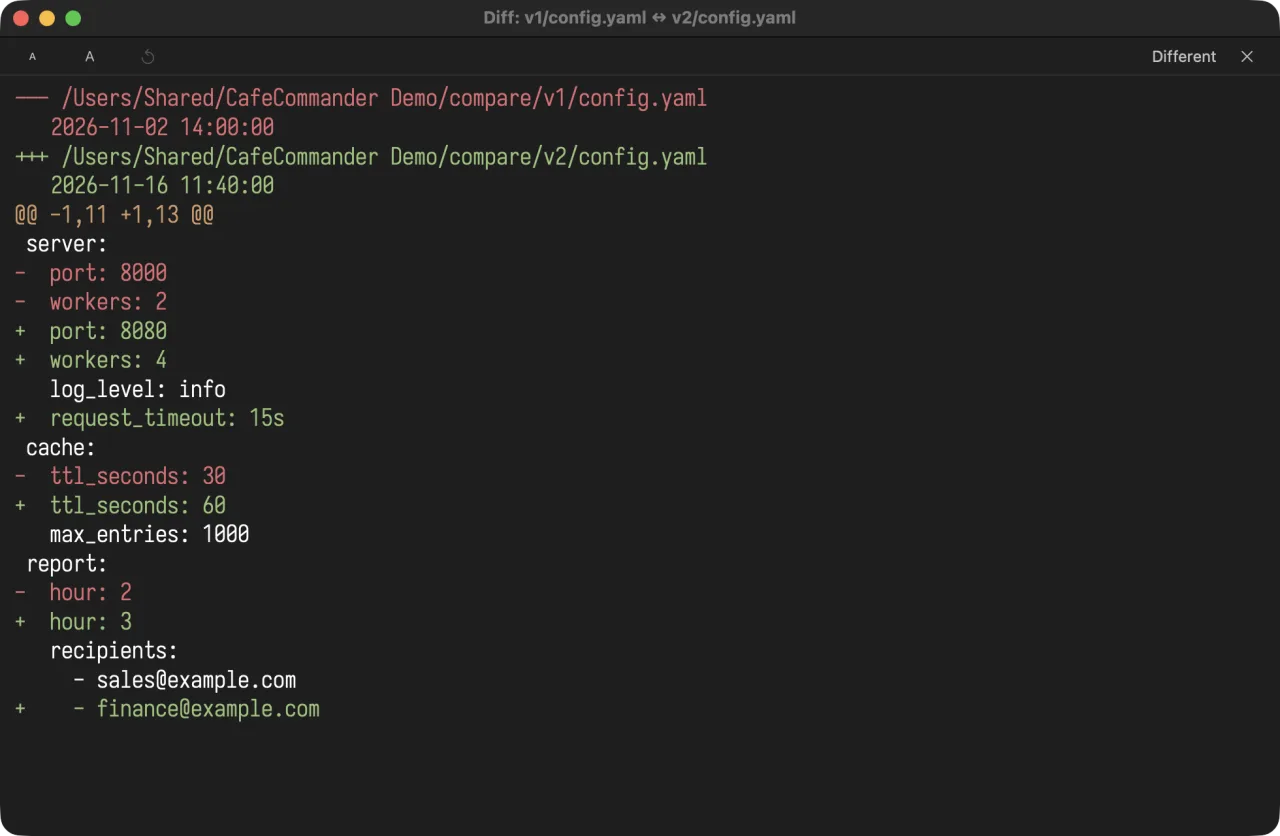
Compare the two panels’ directories, recursively or one level deep, or two files of the same name, with /usr/bin/diff and ~/.diffignore.
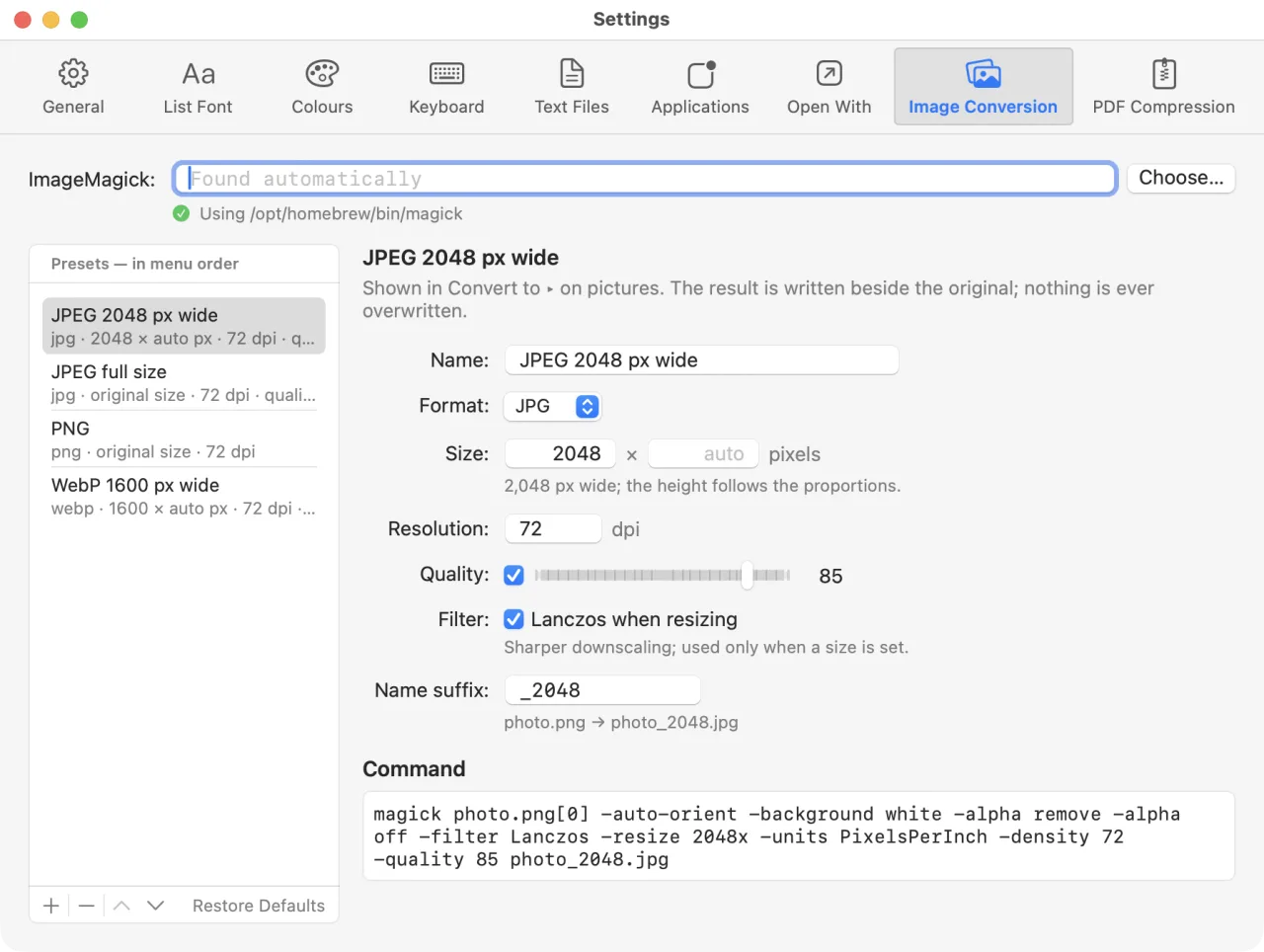
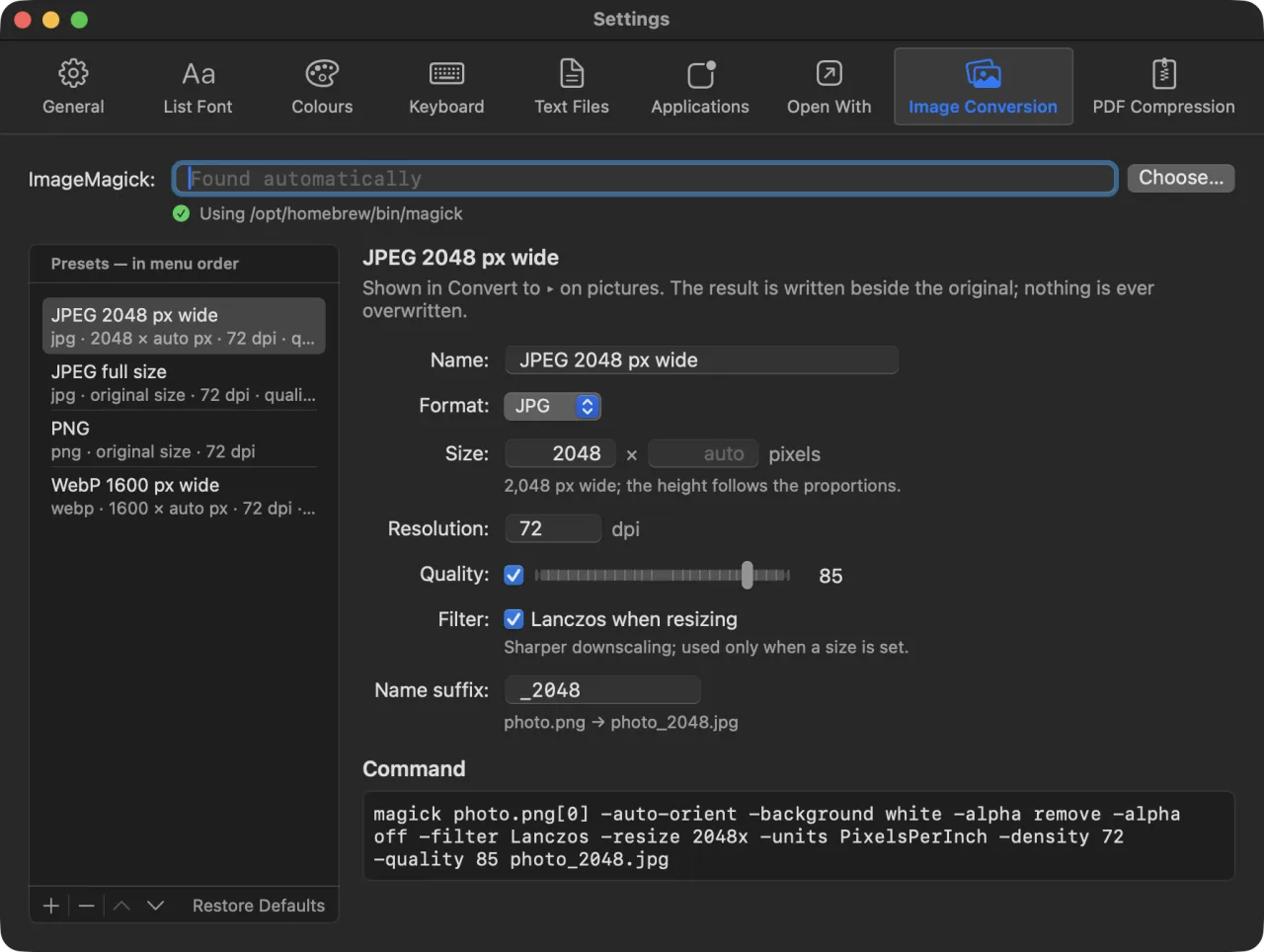
ImageMagick presets for pictures, Ghostscript presets for PDFs, RAR archives with rar — each run in the Operations window with pause and stop.
The latest additions to the panels and the terminal.
Put the cursor on a symlink or alias and the panel’s foot shows its target; one click goes there.
Right-click a folder in Finder and open it in the left panel.
Split a terminal tab left/right or top/bottom. Each half is its own shell, started in the active half’s directory; ⌘] moves between them and exit closes a pane.
Show a panel as a grid of thumbnails, per panel and remembered. Size them as in Finder: the slider at the panel’s foot, ⌘+ / ⌘− or ⌘ + scroll.
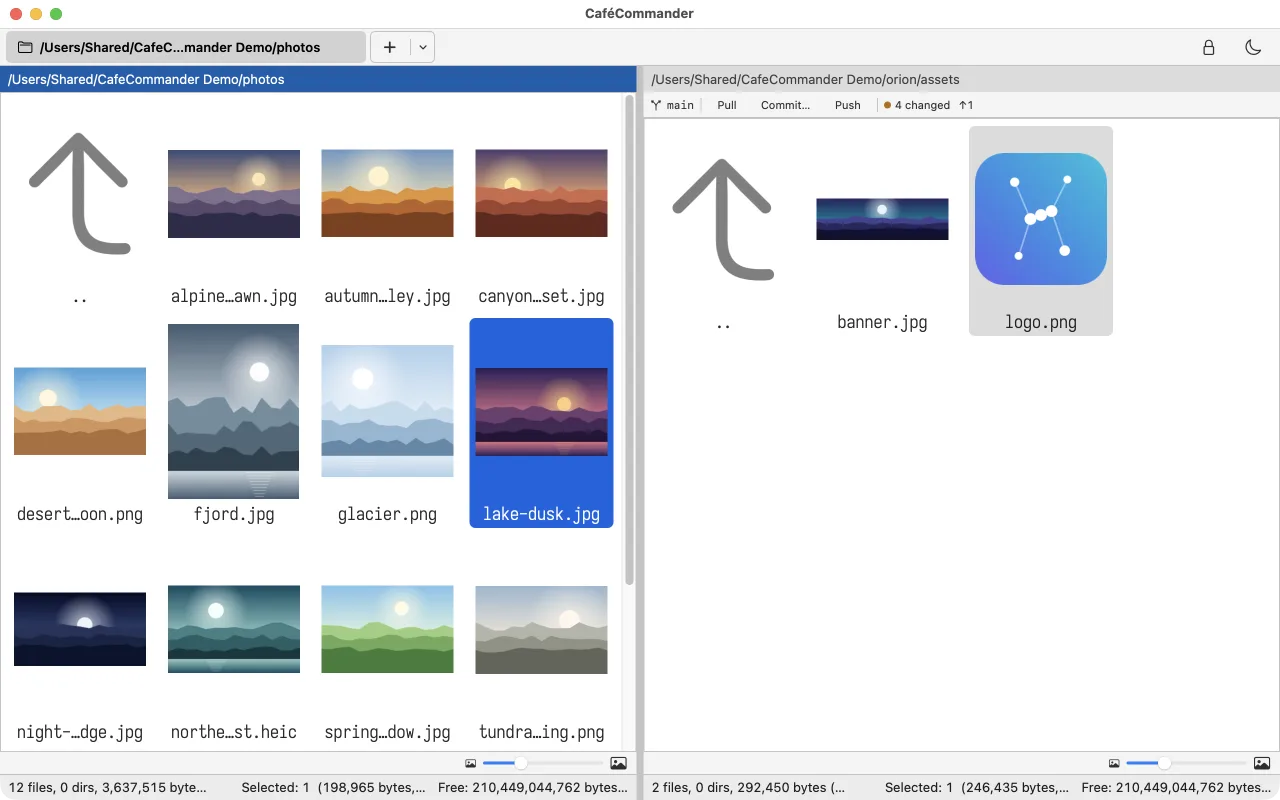
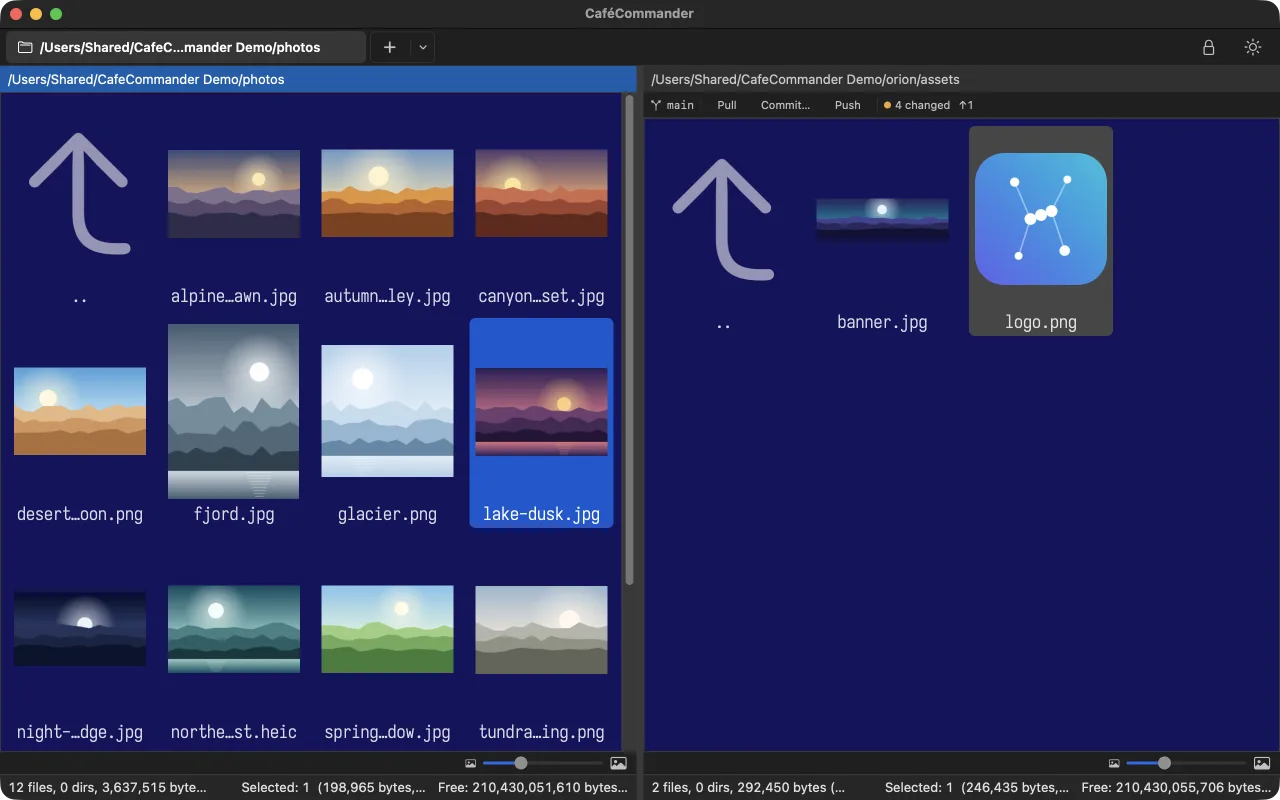
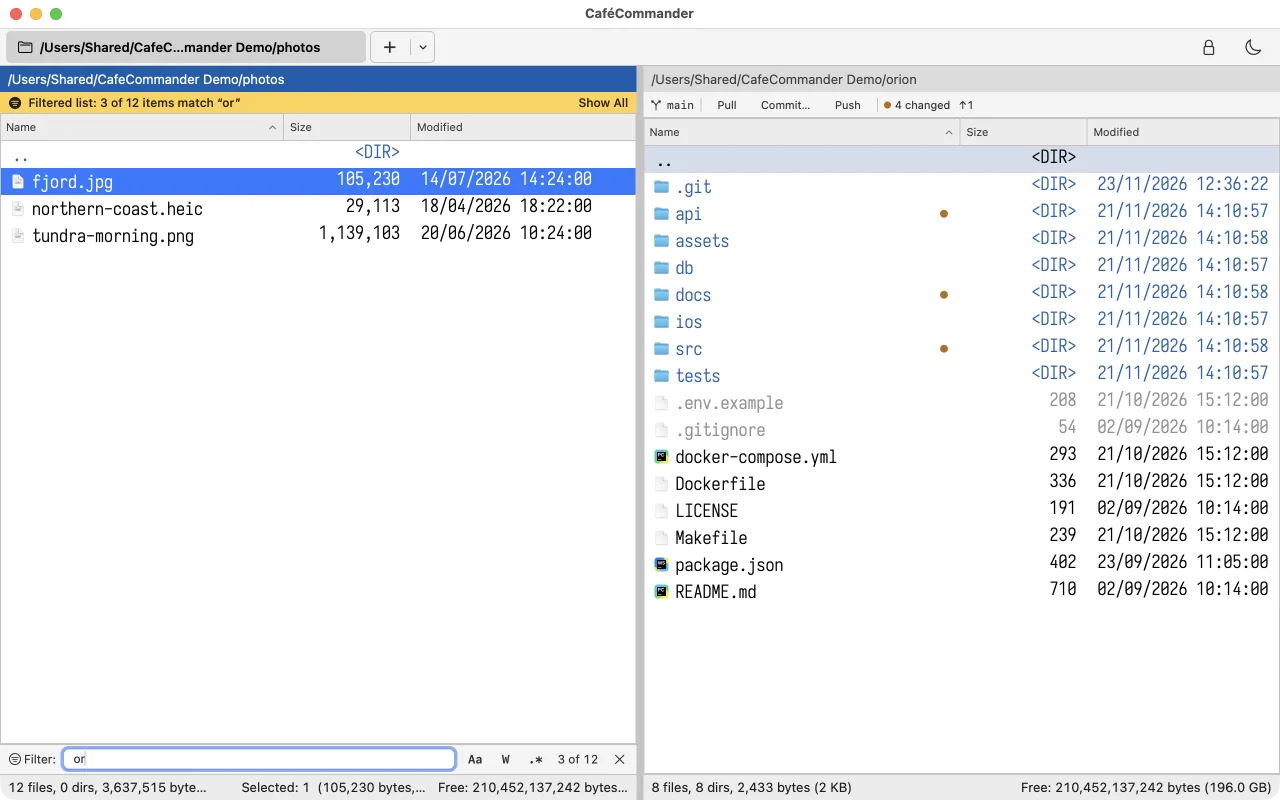
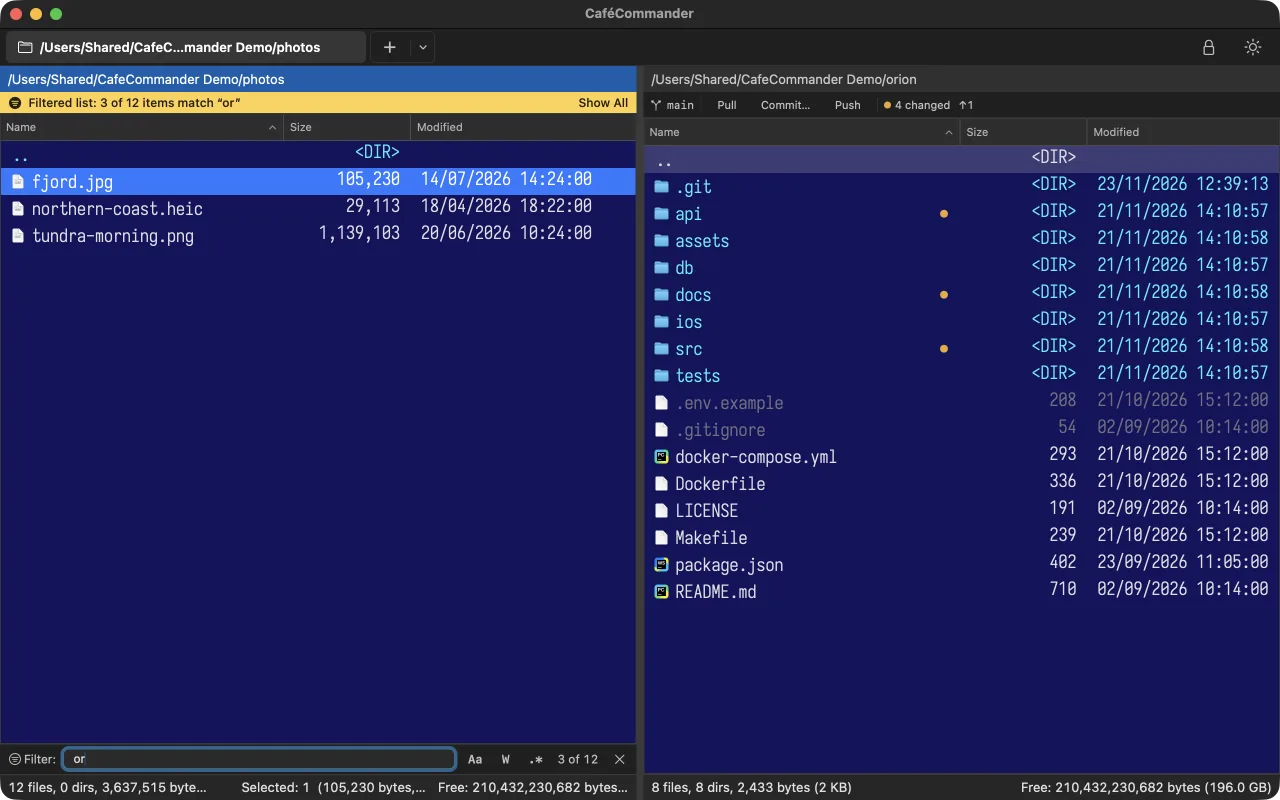
Type in a panel and the listing narrows as you go. Toggle case, whole words or a regular expression; Esc clears it.
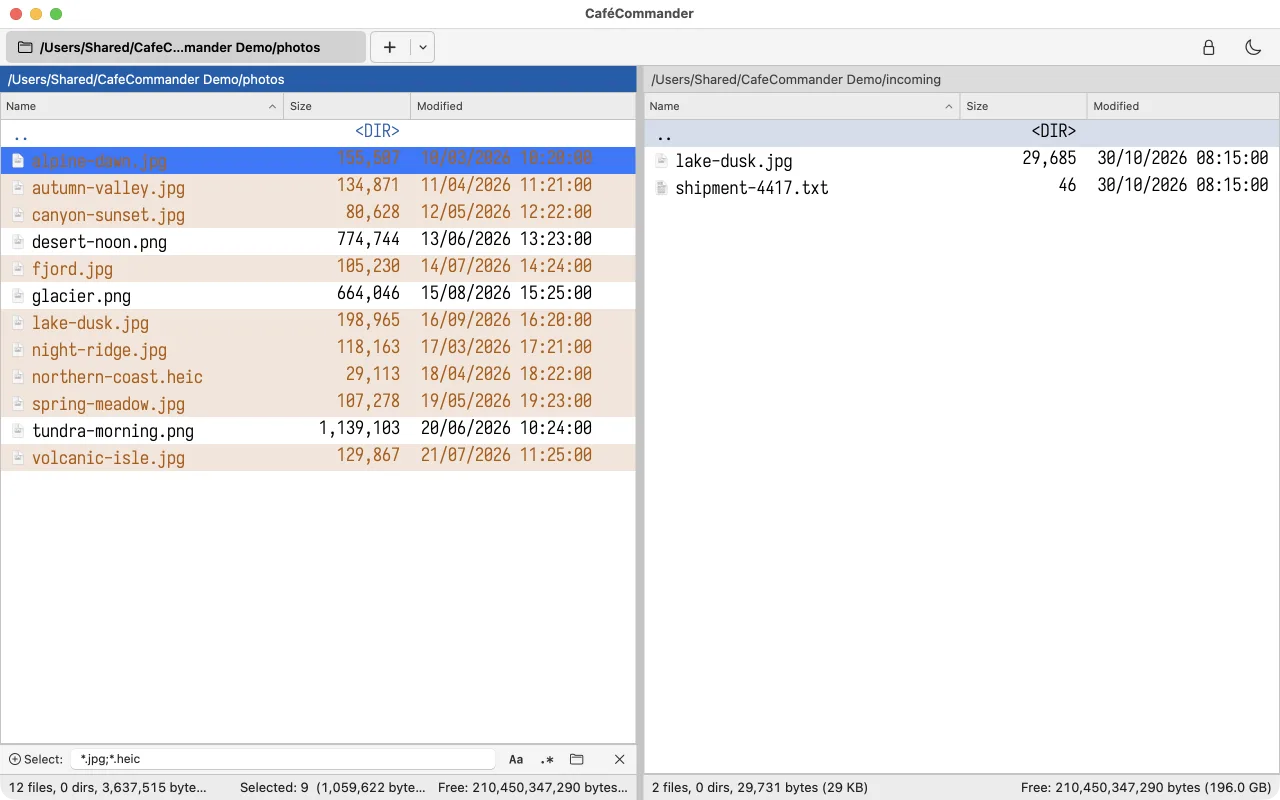
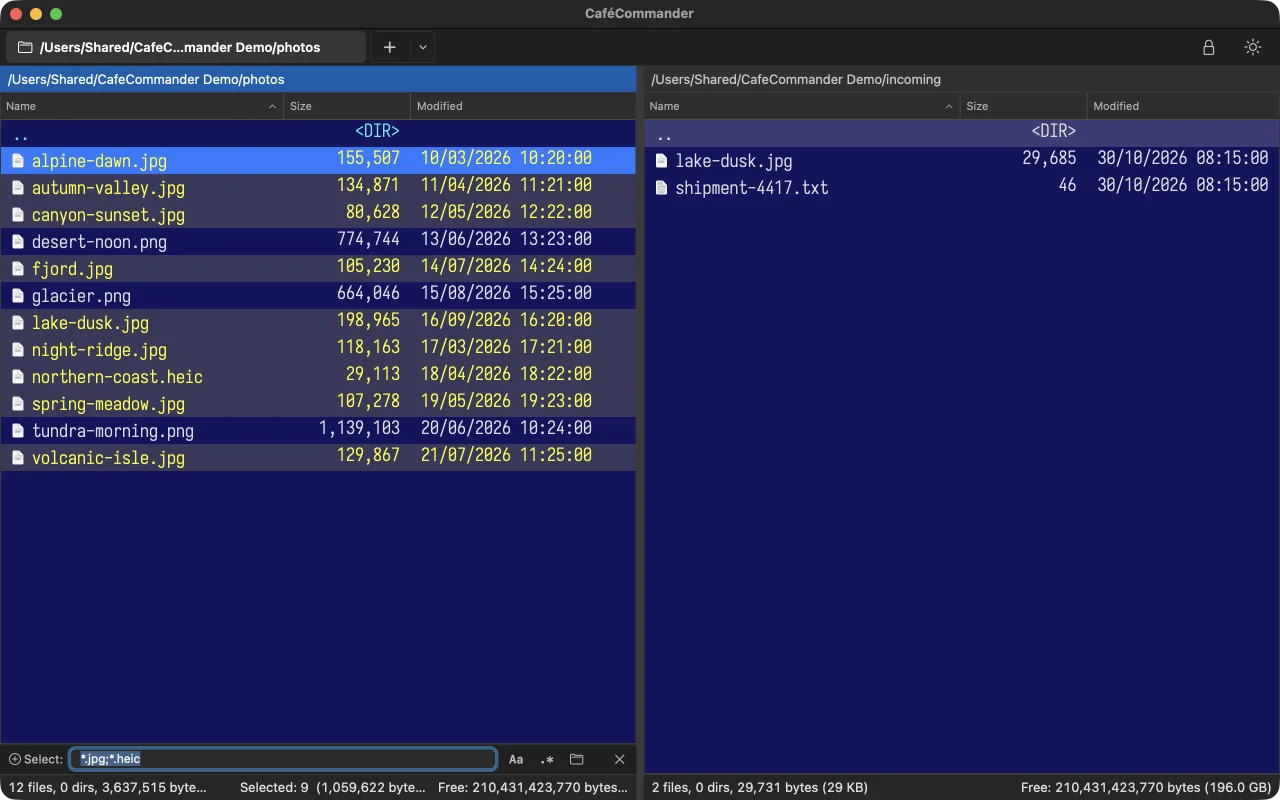
+ selects by mask (*.jpg;*.png, or a regex), − deselects, * inverts. Pre-filled with the cursor file’s extension.
Between panels, to and from Finder, onto folders, onto a tab, into a terminal as quoted paths, and out of the preview.
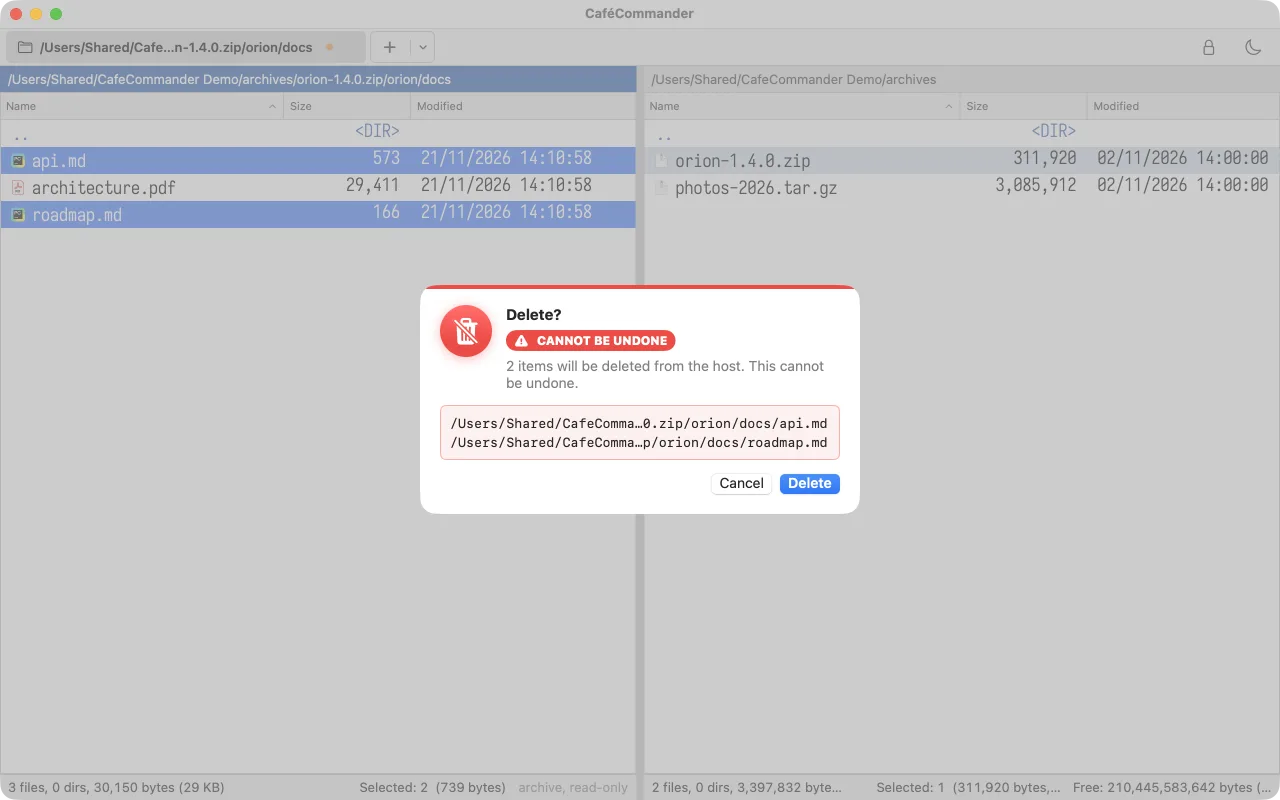
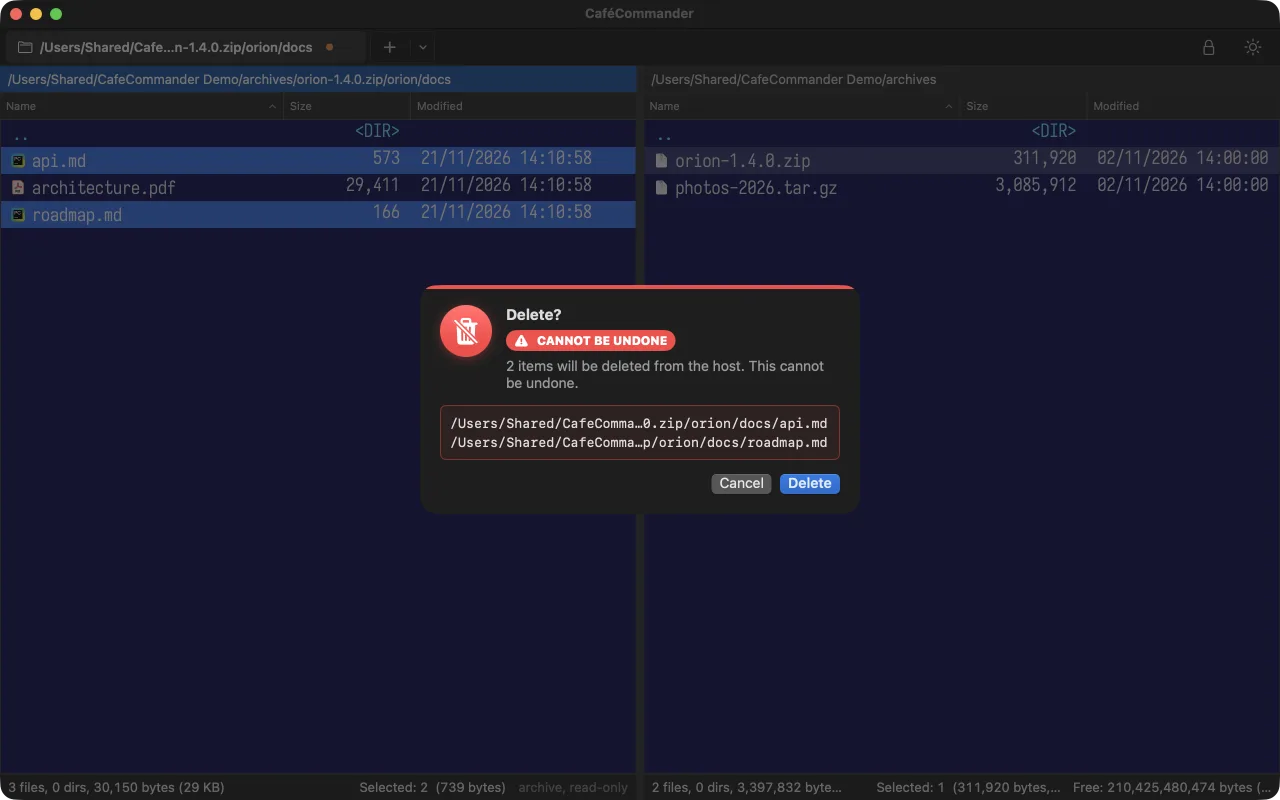
F8 inside a zip, tar or 7z rewrites the archive without the entries; inside a .rar it goes through RARLAB’s rar.
Every command has a key, and the F2 palette finds the ones you don’t remember. The mouse is optional.
| Tab | switch panel |
|---|---|
| F3 / ⇧F3 / ⌥F3 | preview · in the other panel · raw bytes |
| F5 / F6 | copy / move to the other panel |
| F7 / F8 | new folder / trash |
| + / − / * | select / deselect by mask, invert |
| ⌥⌘1 / ⌥⌘2 | list / thumbnails |
| ⌘K | connect to an SFTP host |
| ⌥⌘R | root mode |
| ⌘1 / ⌘2 / ⌘3 | Files / SQL / Terminal tab |
| ⌘D / ⇧⌘D | split the terminal (in a Files tab: diff) |
| F2 | command palette |
CaféCommander is built and maintained by one developer. No investors, no data business, no upsell. If it earns a place in your workflow, you can help fund its development.
Thanks for your support to keep creating products of exceptional quality.